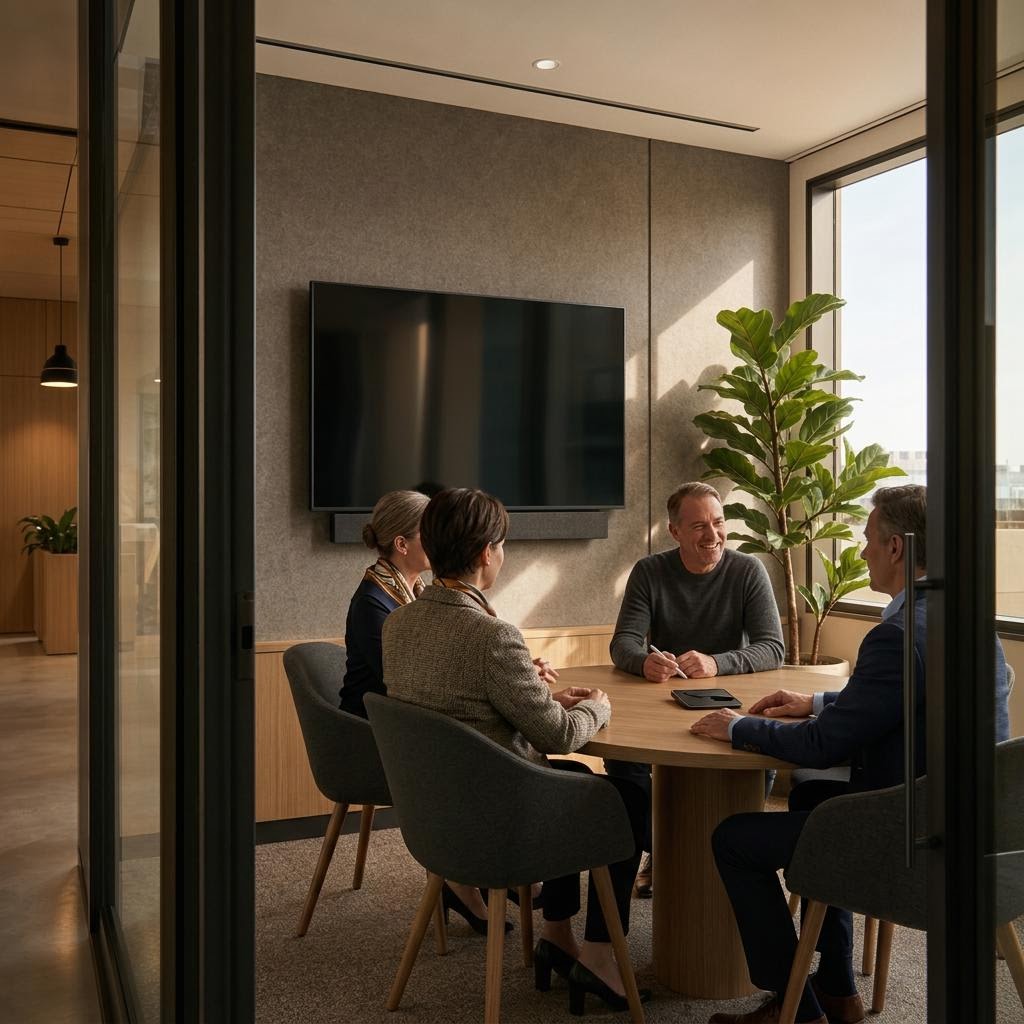
 Representative concept
Huddle rooms
HR-03Fast, focused collaboration for small groups, with a consistent start-to-meeting experience and an interface that does not need a manual.
Plan meeting rooms around the people who use them. Compare room types, see what makes meetings easy to start, and learn how a documented standard is tested and supported.
Room types
A huddle room should not behave like a boardroom, but people should recognize the logic from one room to the next. We begin with the room's purpose, scale, and users.
Representative conceptFast, focused collaboration for small groups, with a consistent start-to-meeting experience and an interface that does not need a manual.
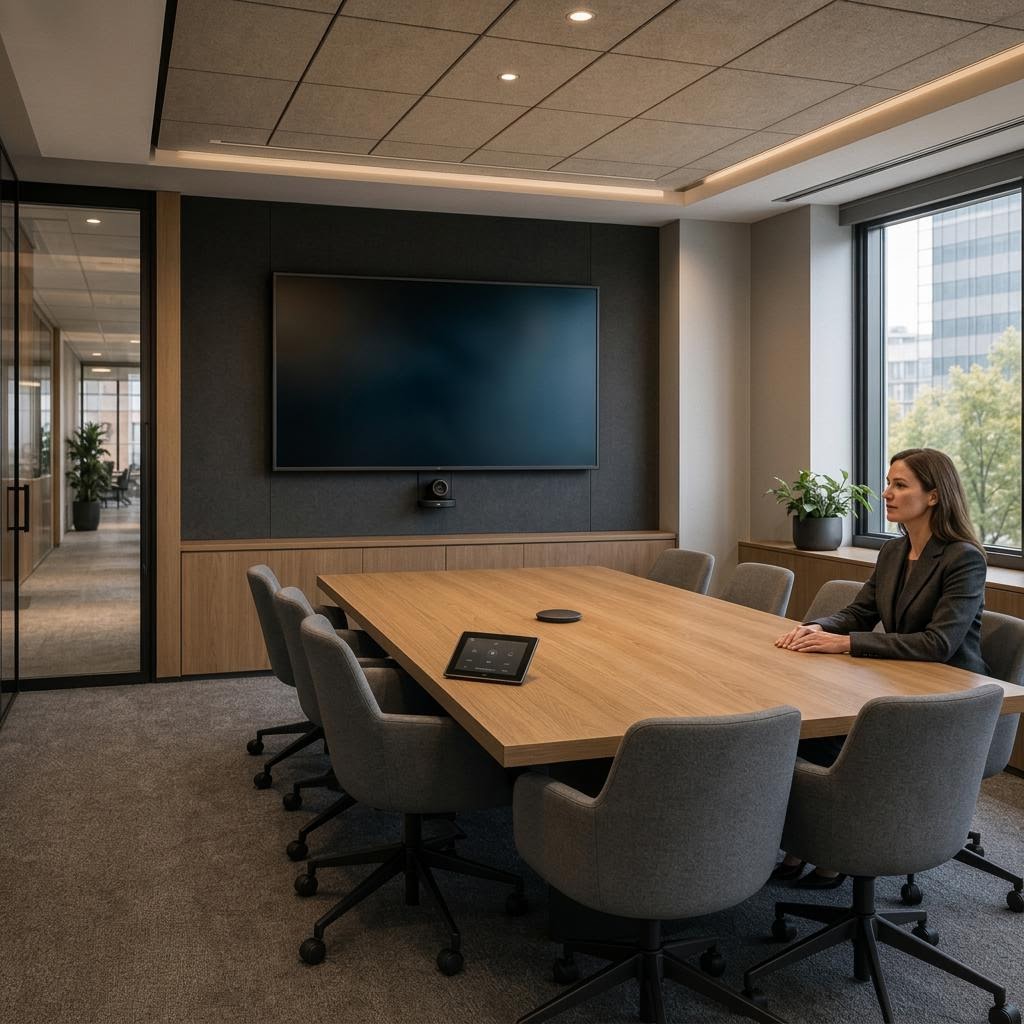 Representative concept
The workhorse room: straightforward content sharing, clear speech, camera framing, and a repeatable control vocabulary for daily meetings.
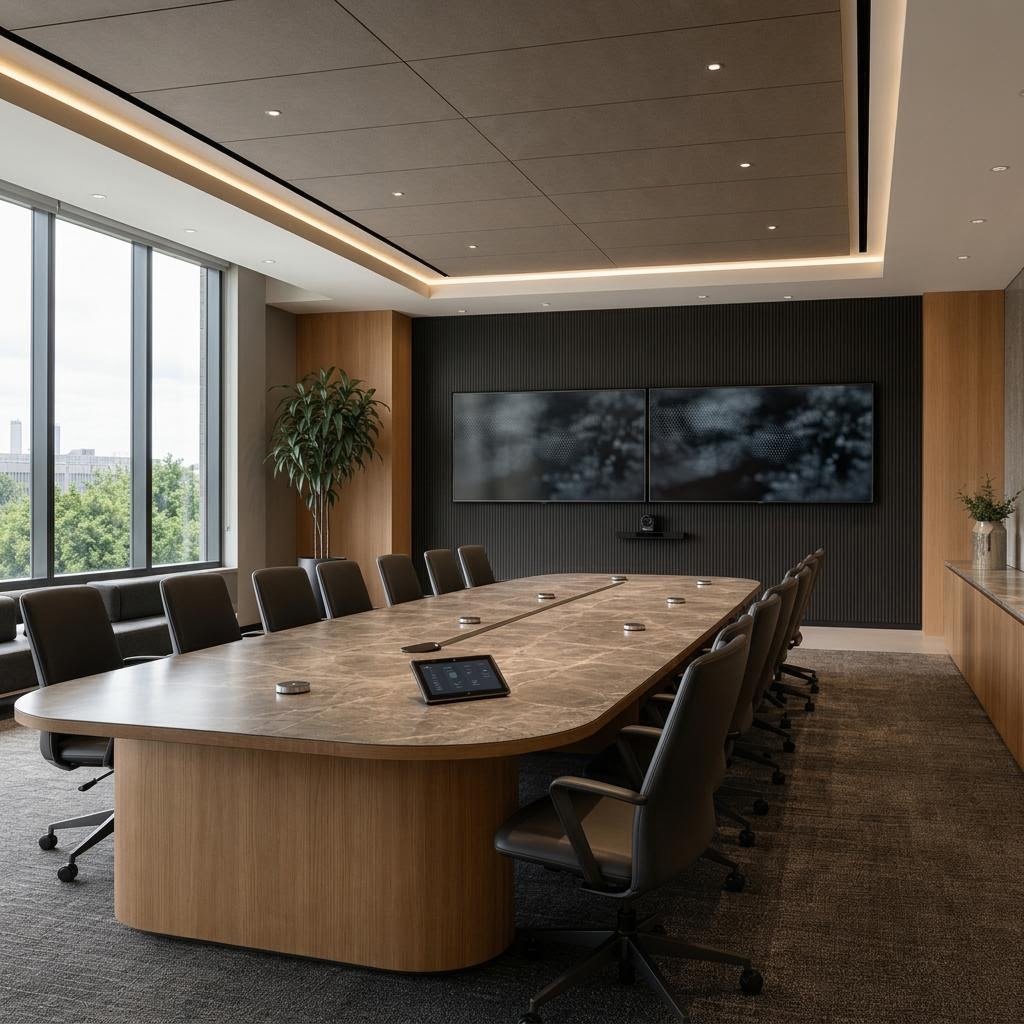 Representative concept
A considered room for leadership conversations, with display, microphone, control, and architectural coordination calibrated to the table and sightlines.
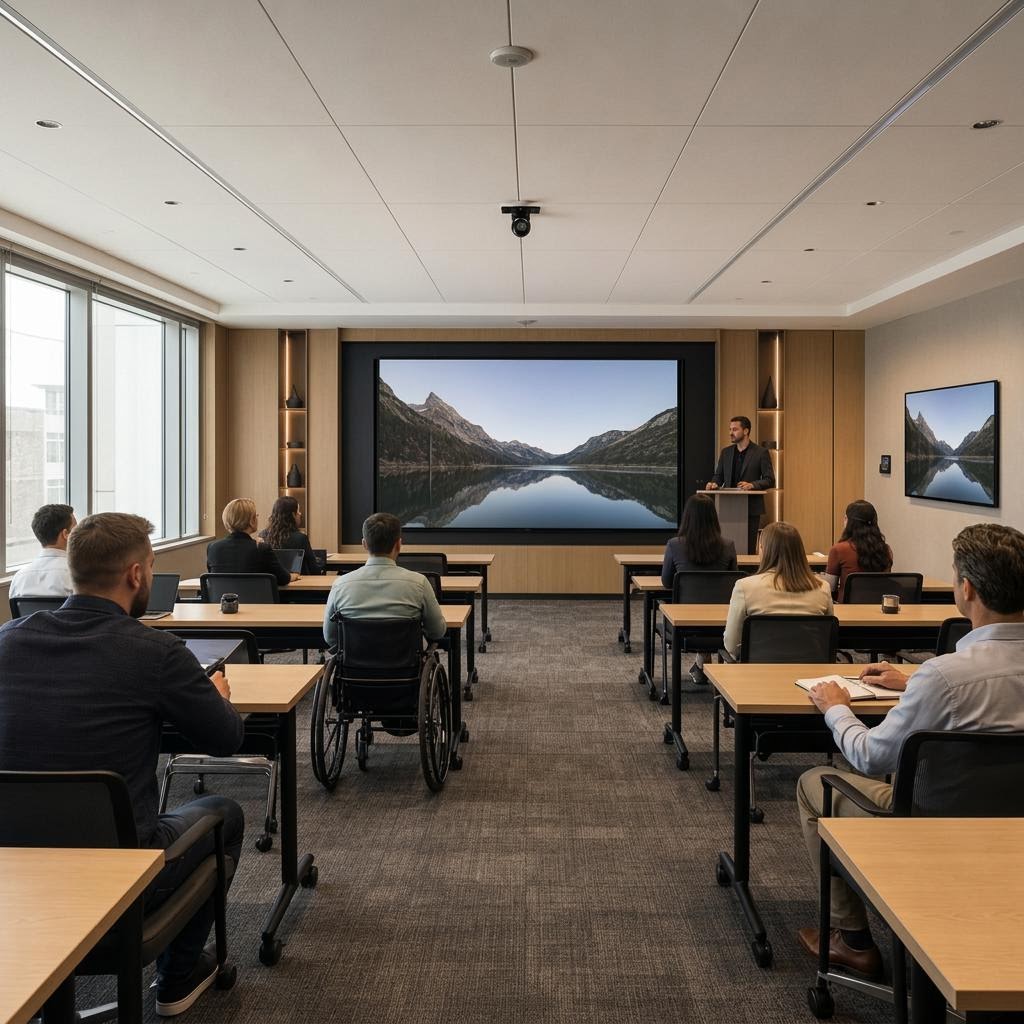 Representative concept
Flexible routing and presenter support for large-group instruction, including clear sightlines for people in the room and joining remotely.
 Representative concept
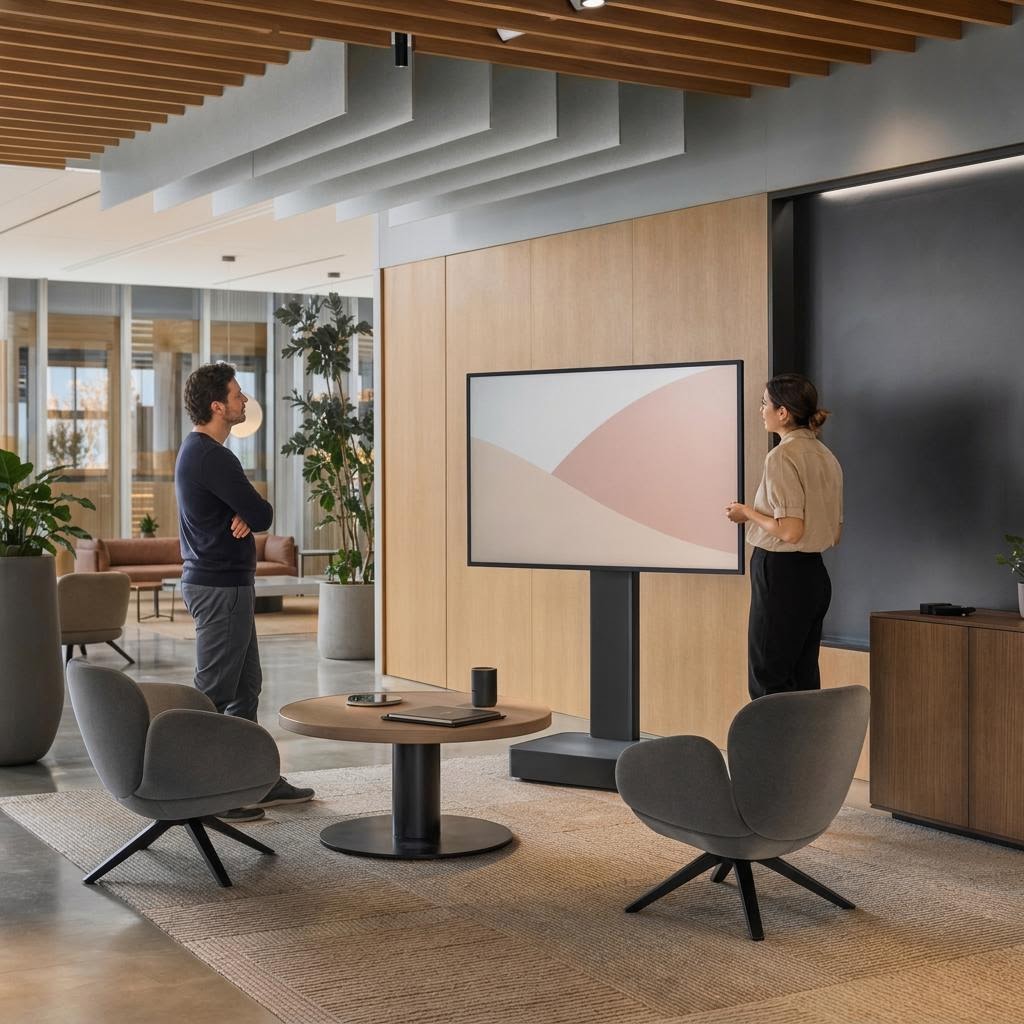
Technology that supports casual work without pretending every collaboration moment needs a formal conference room.
Start with headcount, sightlines, and who joins remotely. Room type sets the brief; the meeting experience sets the standard.
The meeting experience
 Representative concept
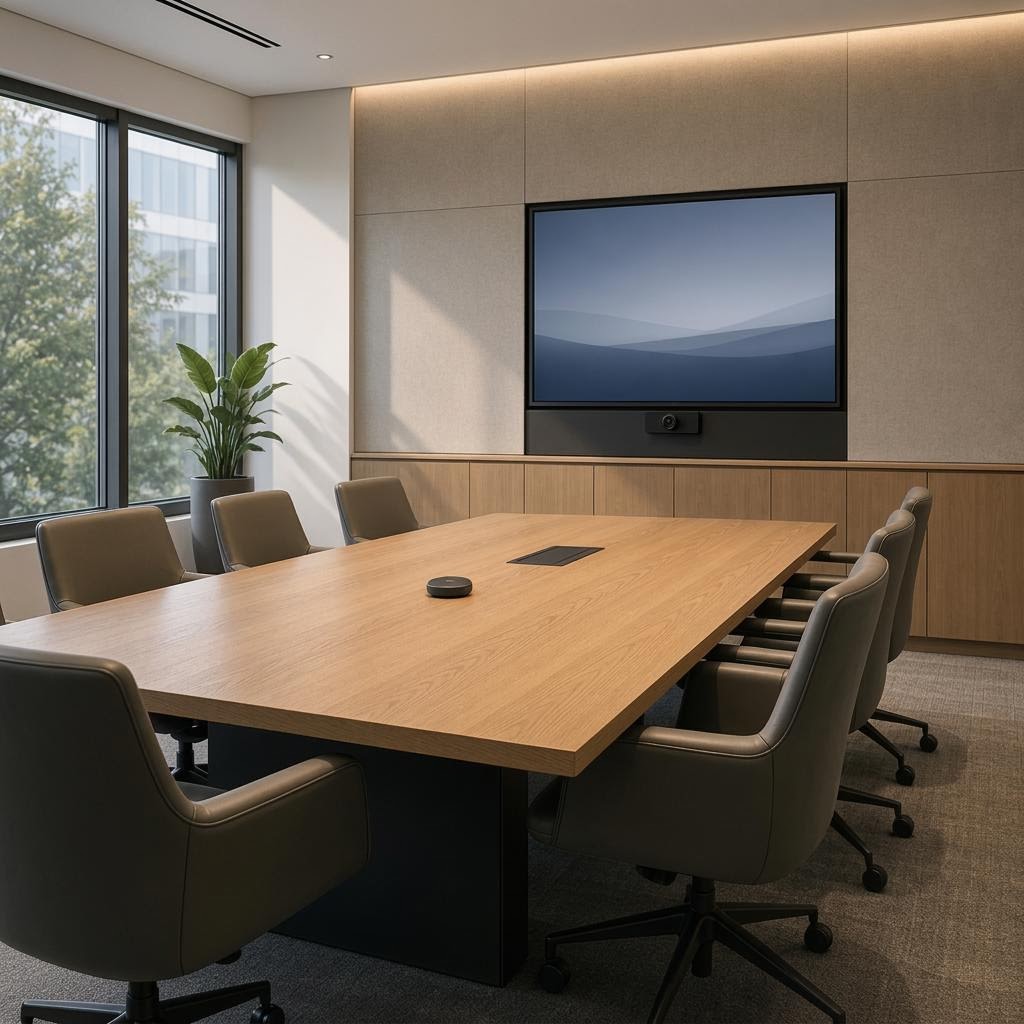
From the first tap to the last remote participant, the room has a job: make it easier for people to see, hear, share, and participate. That includes accessibility, clear sightlines, readable controls, and a place for the person presenting to begin without an operator.
Coordinate the room with your teamMicrophones, speakers, and signal processing coordinated for the room's size, surfaces, and conversation pattern.
Displays, cameras, content sources, and sightlines aligned with the seating plan and the way people actually meet.
A clear interface for starting, joining, sharing, and ending the meeting without requiring a technical operator.
AV traffic and access requirements discussed with IT so the room is designed within the operating boundary.
When the user experience is consistent, the engineering behind it becomes easier to repeat and easier to support.
The repeatable standard
A room standard records more than an equipment list. It defines the room type, how controls work, network requirements, coordination notes, and setup and testing checks. That record helps your team apply the same decisions as the workplace grows.
Design
Read the room geometry, seating, display position, acoustics, lighting, and accessibility needs together.
Coordinate
Give architects, builders, furniture teams, IT, and facilities the details they need before the room closes.
Hand over
Deliver records that explain what was installed, how it is operated, and where future support should begin.
Standards protect the experience. Commissioning proves the installation.
Commissioning and care
Commissioning means setting up and testing the room against the agreed design and scope of work. Where applicable, we check audio and video connections, sound, network readiness, controls, labels, and records before handing the system over.
After handoff, the applicable service agreement defines remote access, response expectations, and on-site care.
Review the care model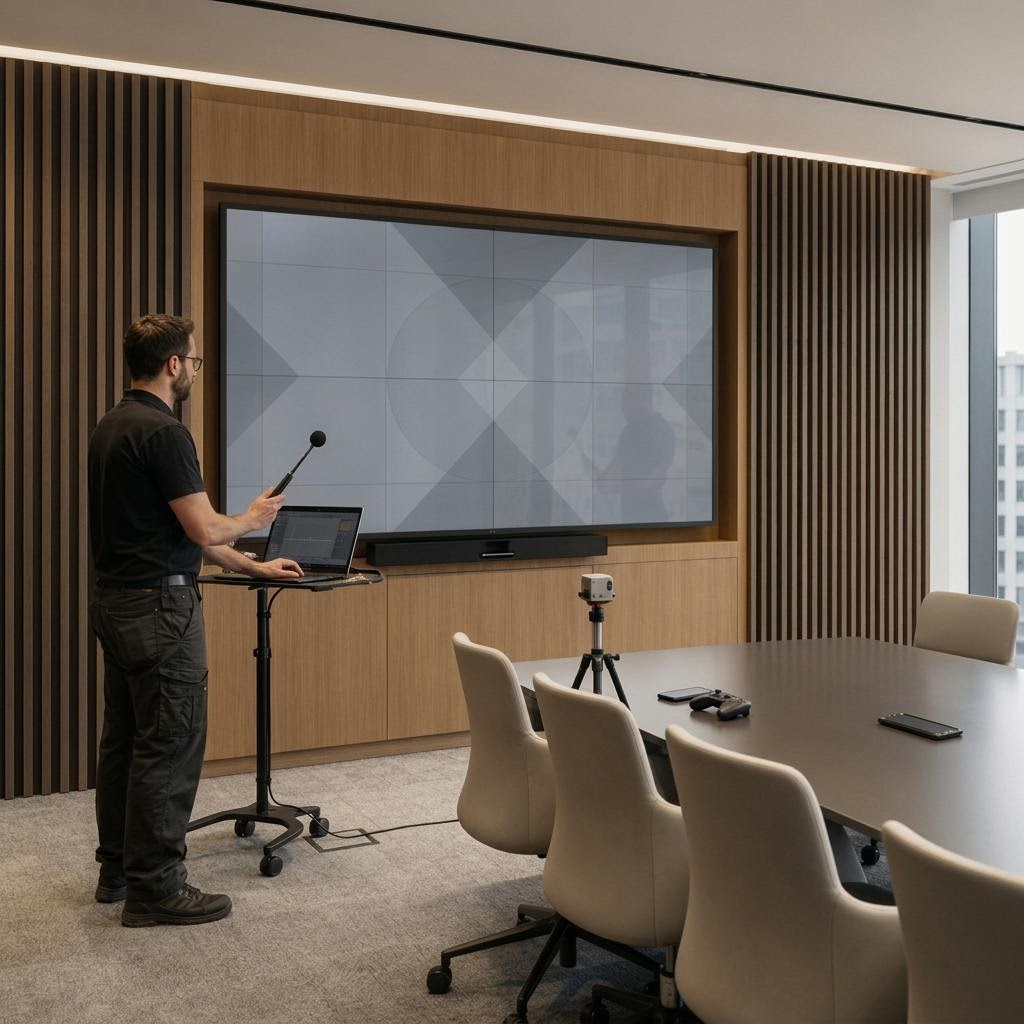 Representative concept
The next step
Tell us about one room or a larger workplace program. We can begin with the room types, users, standards, and coordination questions already on your table.
Room types and seat counts
Meeting platforms and IT boundaries
Schedule and trade milestones