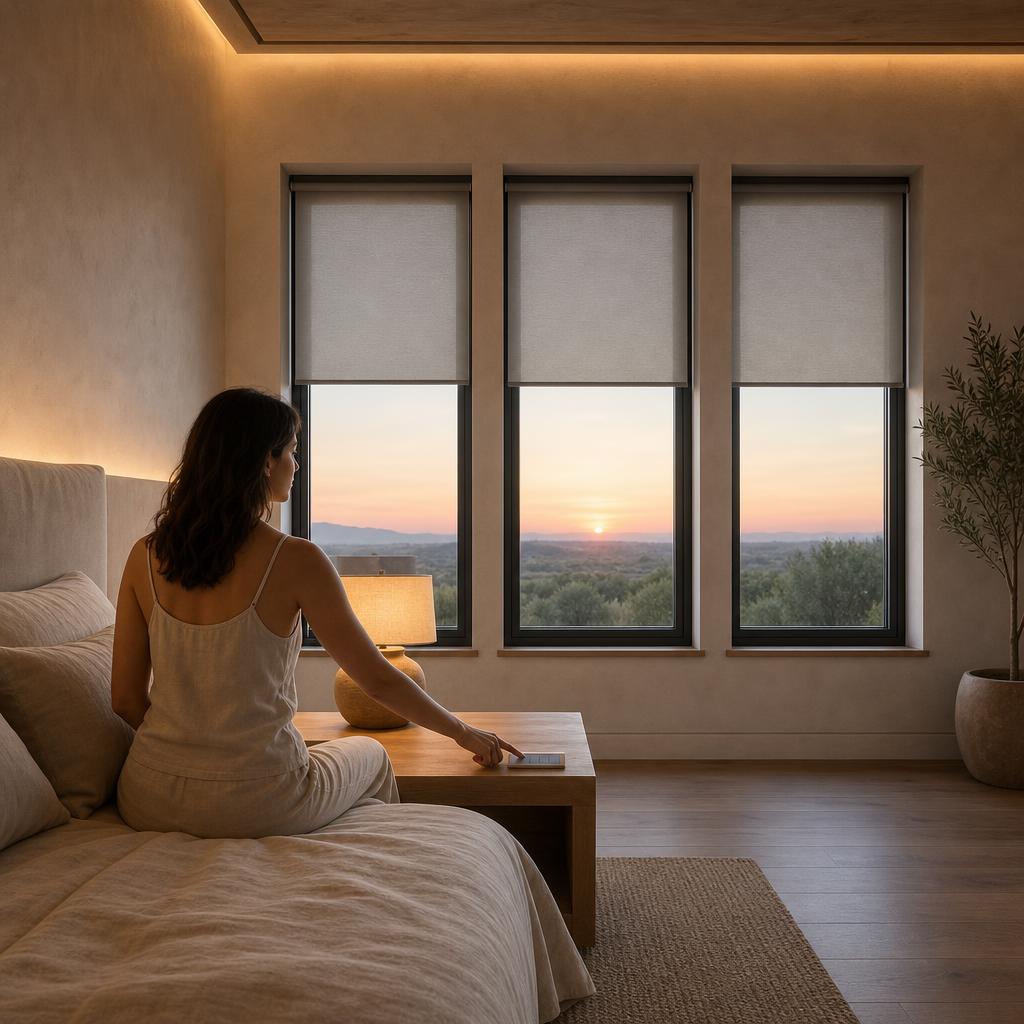
Morning
The house wakes up with you.
One press at the bedside raises the shades and warms the lighting — no bank of switches or fumbling for apps. Together, shades and lighting manage glare and heat while helping protect finishes and art.
We plan lighting, shading, audio, video, and control around your daily routines, your home's architecture, and its interior design.
Taking over an existing system? Read how Devincio approaches audits, selective upgrades, and replacement decisions for inherited technology.
Explore residential retrofitA day in the home
Walk through one ordinary day, morning to night. Notice where the light changes, where you want sound, and where a simpler control would make a difference.
Morning
One press at the bedside raises the shades and warms the lighting — no bank of switches or fumbling for apps. Together, shades and lighting manage glare and heat while helping protect finishes and art.
Evening
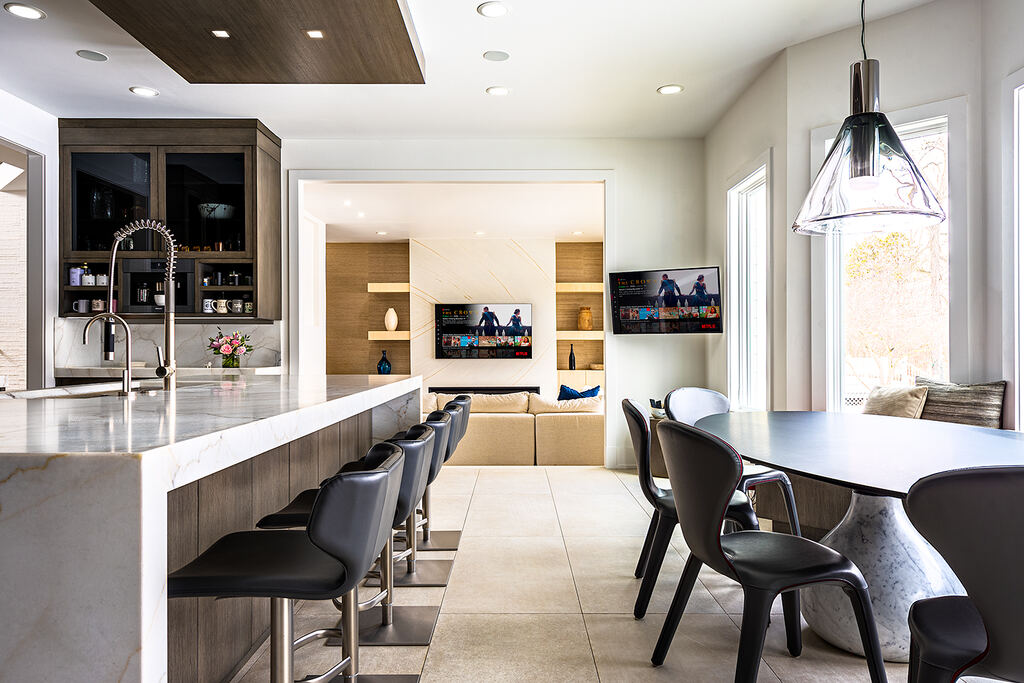
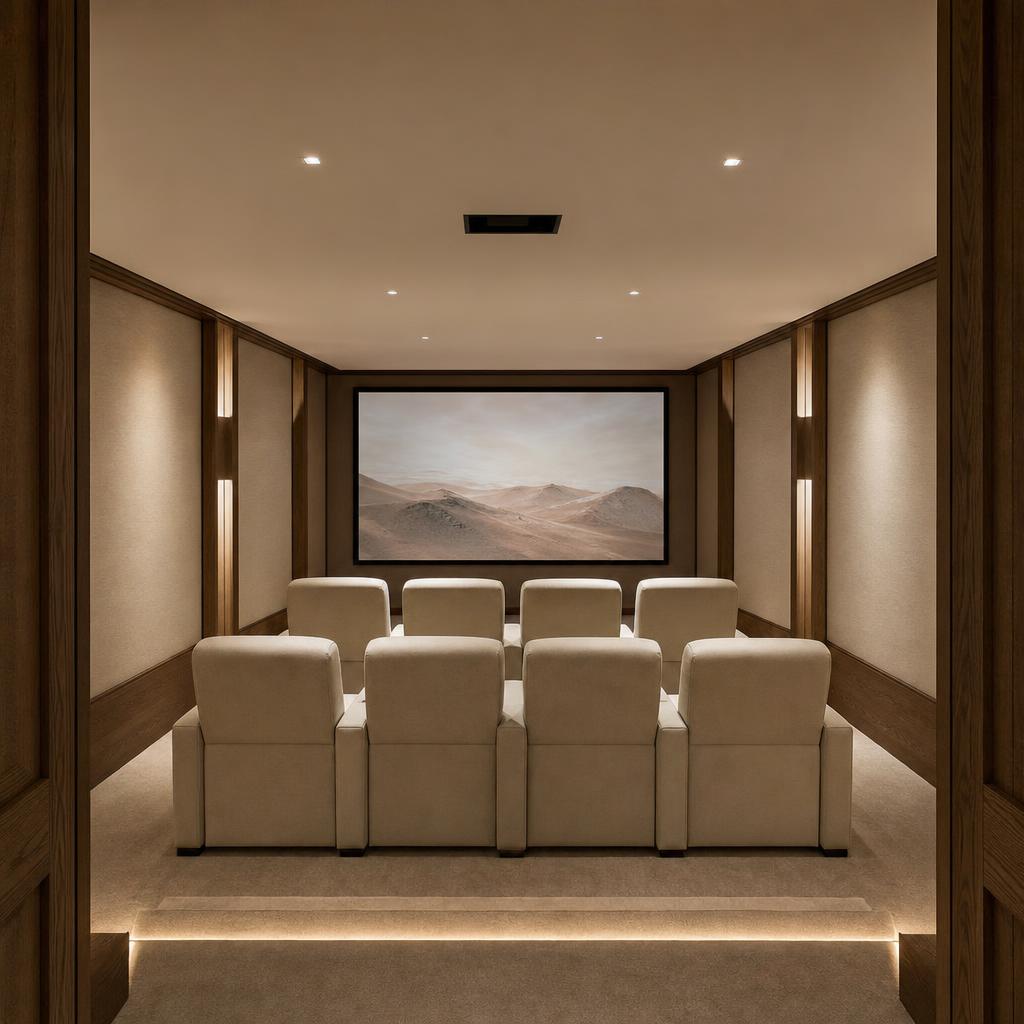
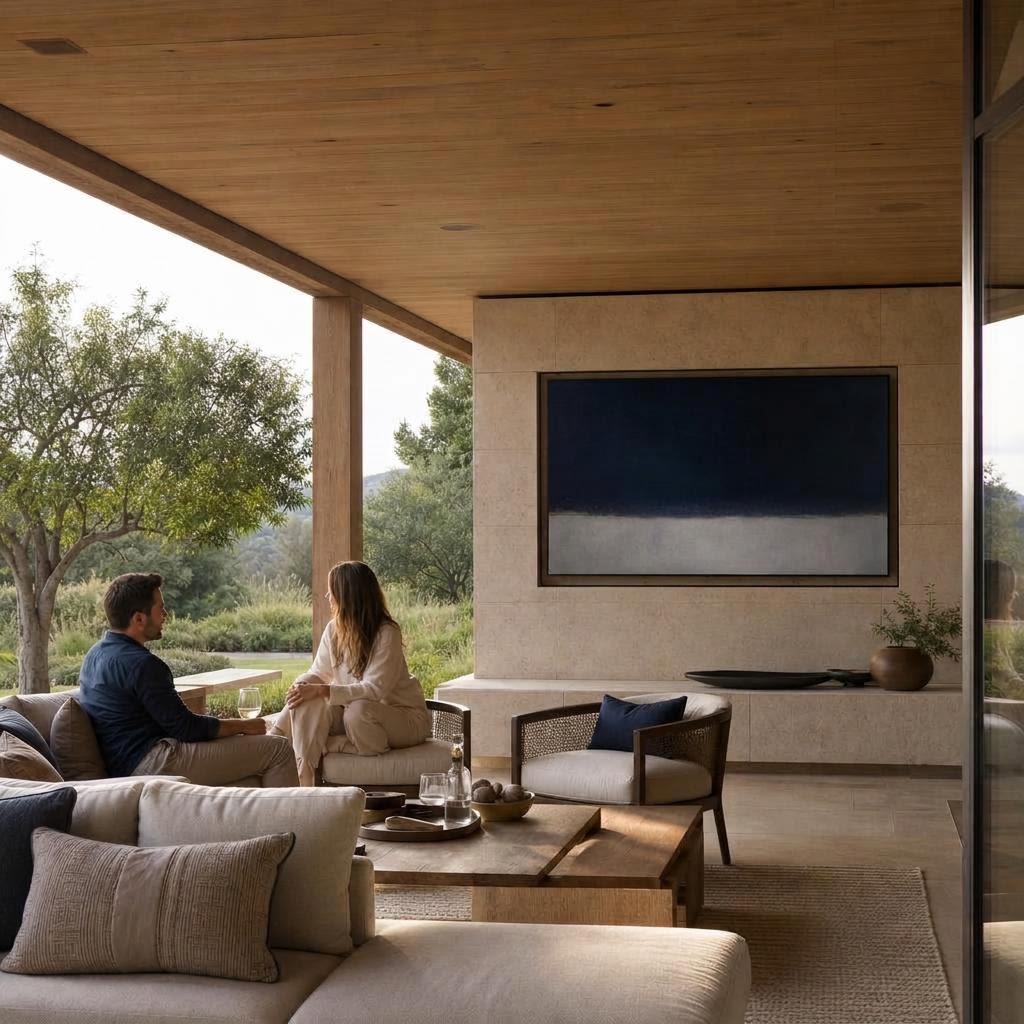
Music follows you from kitchen to terrace through speakers tuned room by room. For a film, the same restraint applies — whether you have a dedicated screening room or a display that appears only when wanted.
Any hour
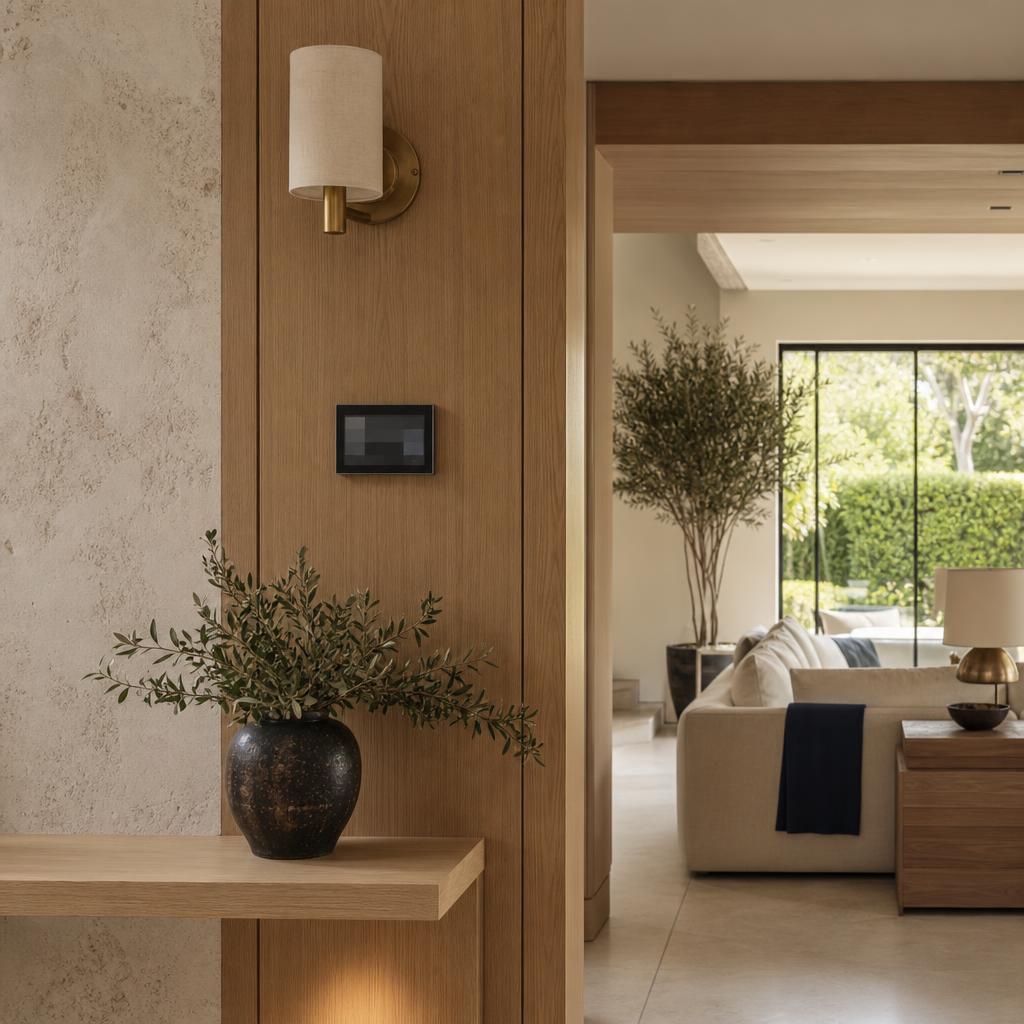
Use one control interface for lighting, shades, music, video, and climate, indoors and out. Saved settings, often called scenes, let you adjust several systems together.
Room by room
The same quiet logic can support a screening room, a kitchen that opens to the living area, or a room where the view should remain the focus.
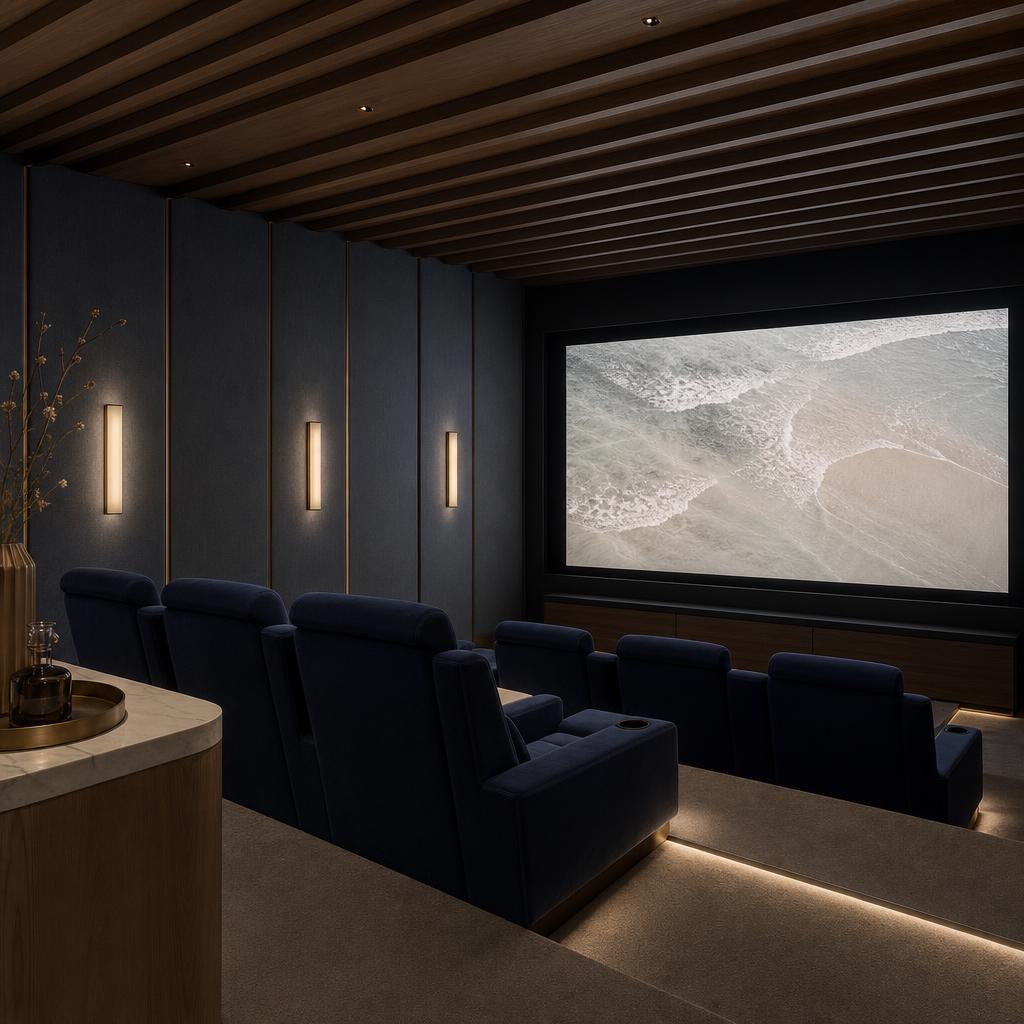
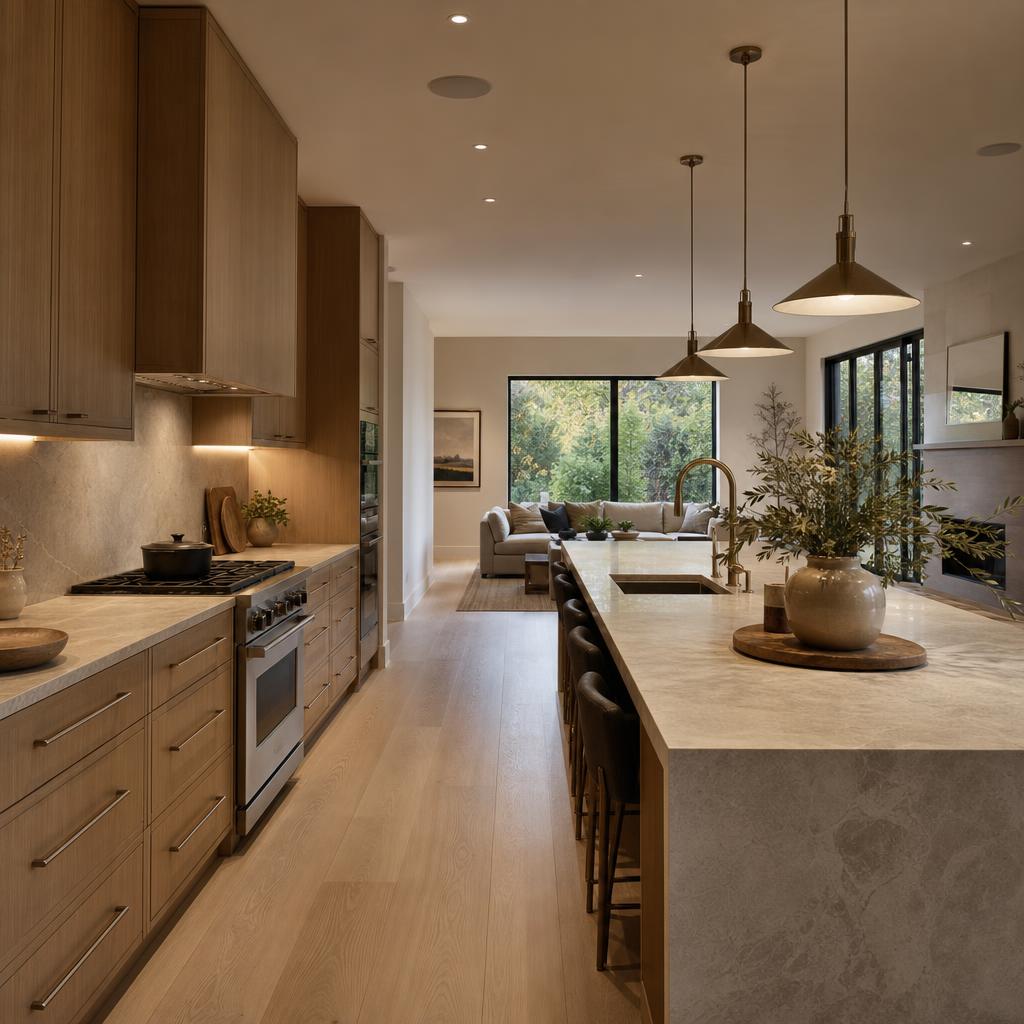
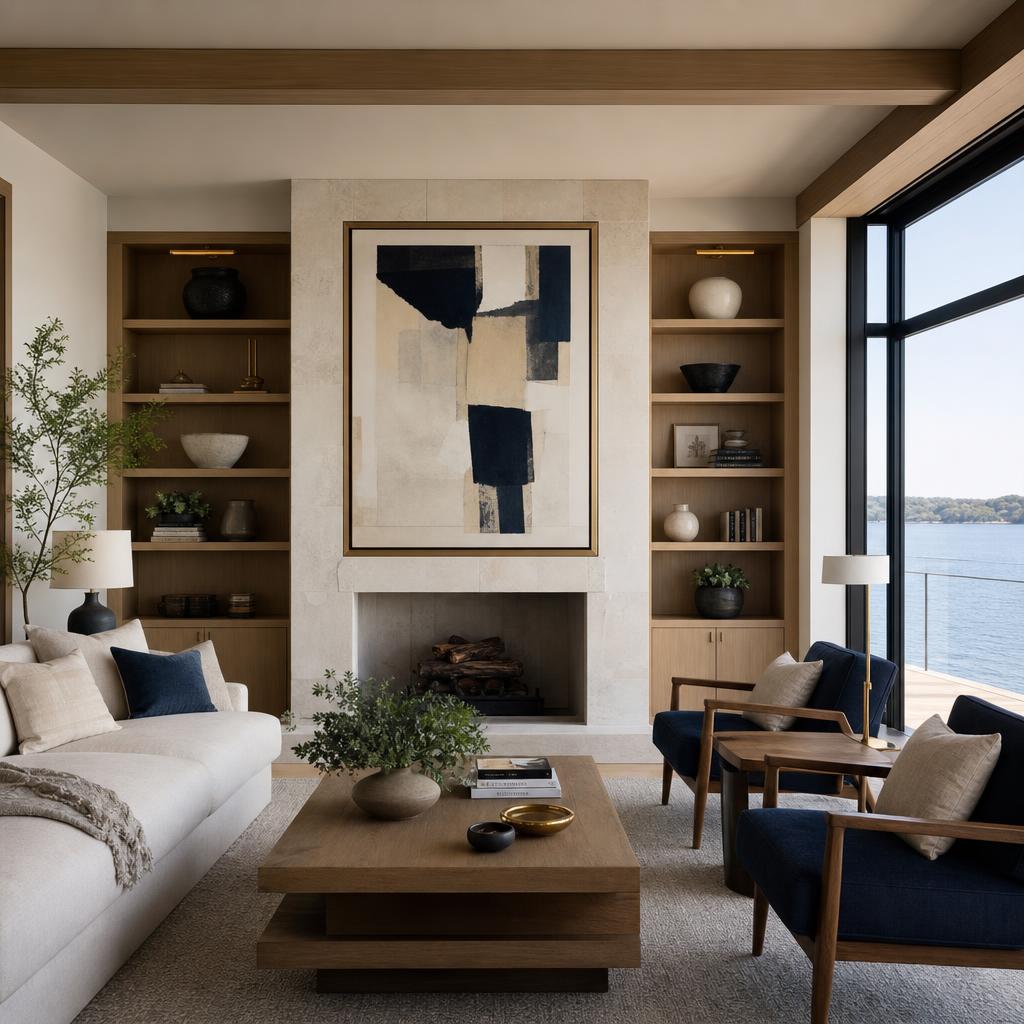
Beyond the walls
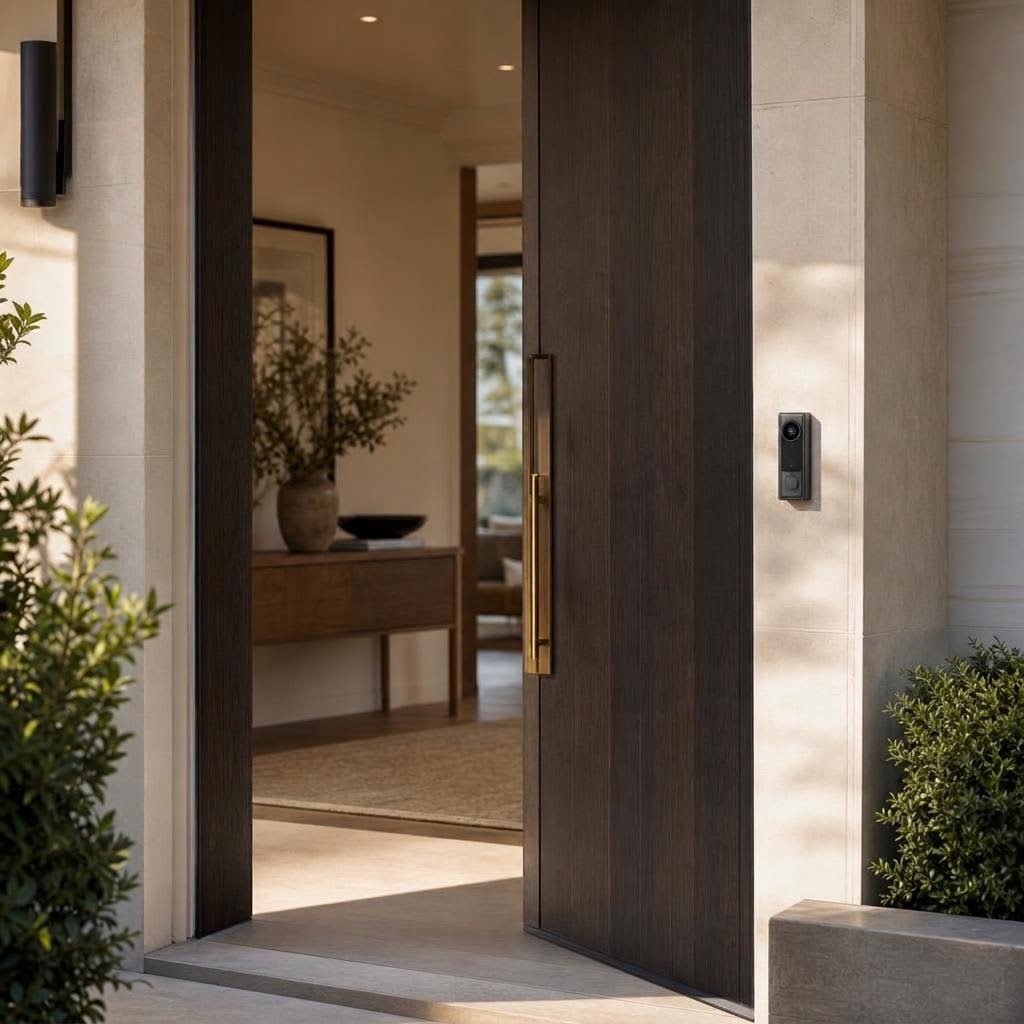
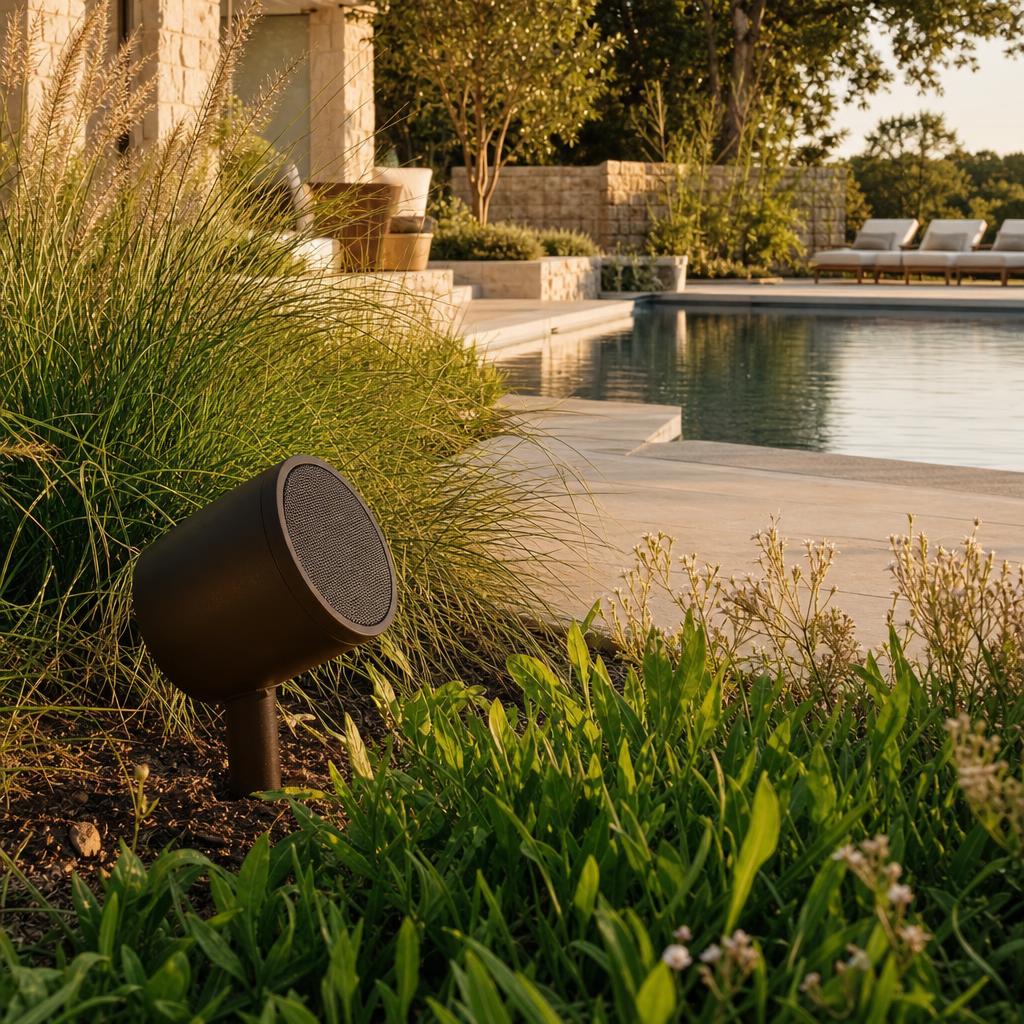
Outdoor entertaining, architectural garden audio, and a welcoming, secure entry — engineered to withstand the elements while maintaining the refinement of the interior.
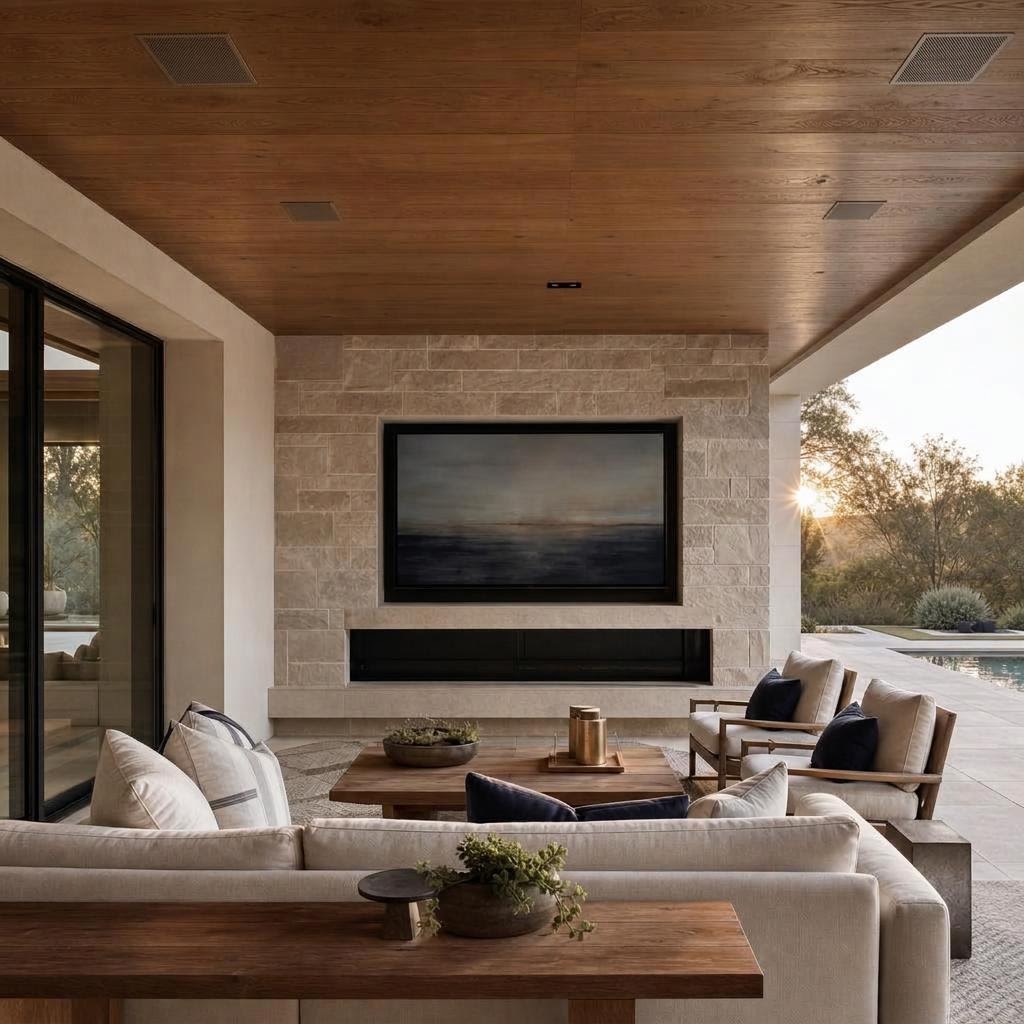
The whole-home view
A room-by-room experience still needs a shared backbone. This map shows how planning connects the entry, living spaces, private rooms, theater, and terrace to the infrastructure that supports them.
Whole-home systems map
Shared core
The organized equipment room and documented pathways give every room a common backbone.
secure arrival
SECURITY
scenes + listening
LIGHTING + AUDIO
daylight + media
SHADING + VIDEO
quiet scenes
LIGHTING + AUDIO
dedicated viewing
AUDIO + VIDEO
organized + serviceable
NETWORK + CONTROL
outdoor living
OUTDOOR AUDIO
One planned line / many room experiences
The rooms are different, but the backbone is shared: pathways planned early, an organized equipment location, and a control approach that carries from arrival to evening on the terrace.
Scenes and daylight control move room to room through the shared control layer.
Music, television, and theater experiences are planned for each room without making every room feel like a media room.
A considered network backbone supports dependable connectivity, entry awareness, and a serviceable whole-home system.
One clear interface can coordinate lighting, shading, music, video, and climate scenes while the documented scope stays serviceable.
A house doesn't behave this gracefully by accident. So what does it take?
A golf simulator takes more than a launch monitor. We plan the swing space, screen, projection, and controls together, then install, calibrate, and service the room.
Explore Golf SimulatorsWhat makes it possible
A finished room shows almost nothing — a keypad, perhaps a grille. This section drawing shows what the walls and ceiling are quietly holding, and why it has to be planned before they close.
Trimmed flush within the ceiling plane; paintable grilles keep it visually silent.
The motorized shade lives in a recess planned with the architect — fabric appears from a clean reveal.
A single keypad at switch height replaces a bank of toggles.
Conduit inside the wall cavity carries wiring invisibly — and accepts future cabling without opening drywall.
Wiring is designed to run home to one organized, serviceable location.
Everything in that drawing was decided while the house was still on paper, working alongside the architect and builder so sightlines and design intent are preserved. Four foundations make it possible:
How we work with your architect and builderWired and wireless connections designed to support the devices you use.
System diagrams, a cable-by-cable wiring list, and wall drawings that show where every device sits — a record that outlasts the build.
Protective tubing, called conduit, and cable routes that allow for future work.
A labeled, serviceable rack where equipment can be found and maintained.
All of it exists so one press can feel obvious. The next question is timing.
Where projects begin
Earlier involvement usually creates more options, but there may be a practical path at any stage.
Engage during architectural design
Working from the drawing set, we plan pathways, equipment locations, and device placement before framing.
Engage before walls open
While walls and ceilings are accessible, we can route wiring, correct past shortcuts, and prepare for what's next.
Engage anytime
Existing pathways and wireless-appropriate technologies can improve lighting, audio, networking, and control with minimal disruption.
Engage when something isn't right
We audit hardware, wiring, and network stability before recommending an honest path forward.
And when installation ends, the relationship doesn't.
Ownership, afterward
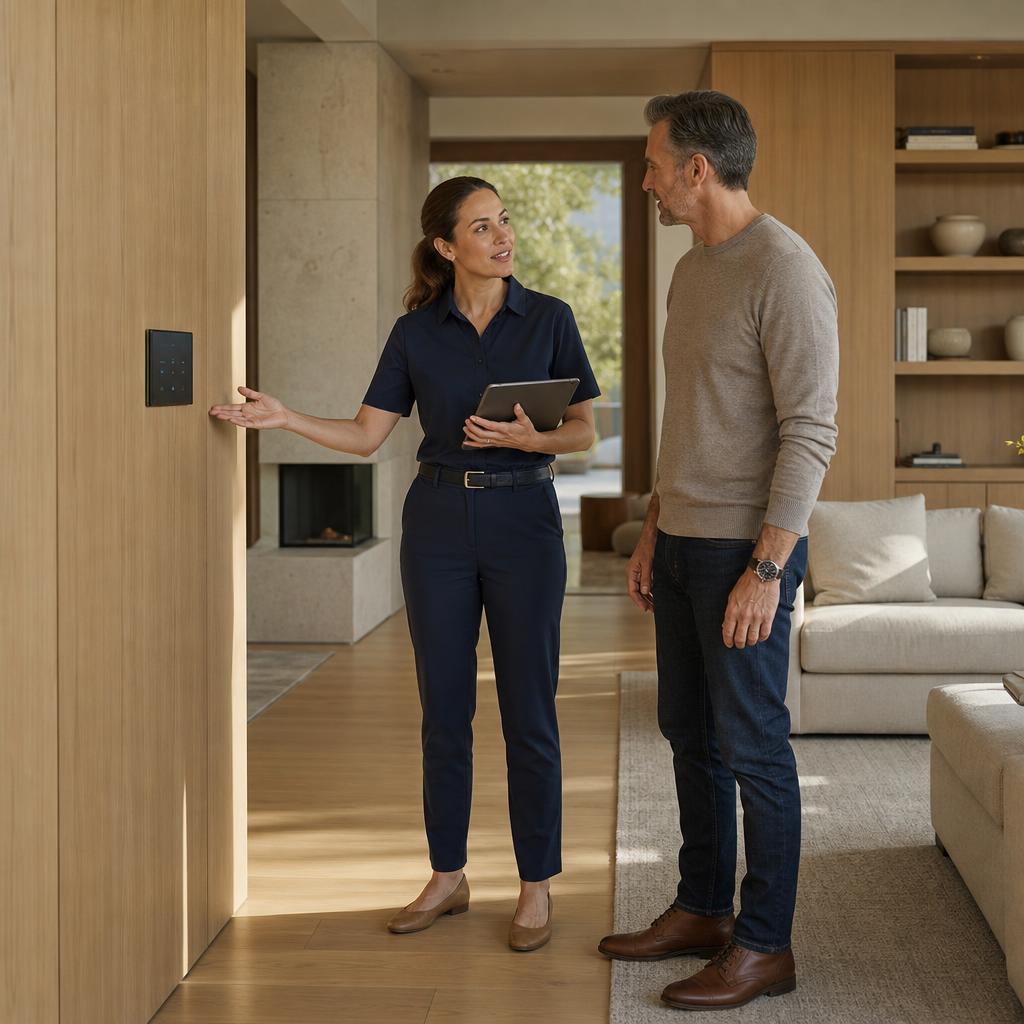
We introduce you to the controls in your home and refine settings once you have lived with the system. Ongoing care continues through an annual care plan; the full lifecycle is described on the Process page.
Before you reach out
residential work
Explore residential and commercial environments shaped through planning, engineering, coordination, and care.
Residential palette
These manufacturers support residential systems across control, infrastructure, audio, video, and room technology. Selections follow the architecture, scope, and requirements of each project.
Material study / 01
Shared system marks












Residential systems


The Next Step
Tell us where your project stands — a lot, a drawing set, a renovation, or a finished home — and we'll talk through what's possible.
Start a ConversationWhat to expect
Tell us about the space, location, project type, stage, and goals.
We review the context, plans, timing, and what you want the space to do.
If the fit is right, we propose the next consultation and discuss an early budget range.
Formal design documents the requirements before fixed pricing is established.