8:58 AM
The room is already ready.
Displays wake, audio routes, and the room reports healthy before anyone reaches for a cable. The first two minutes of a meeting shouldn't be spent troubleshooting them.
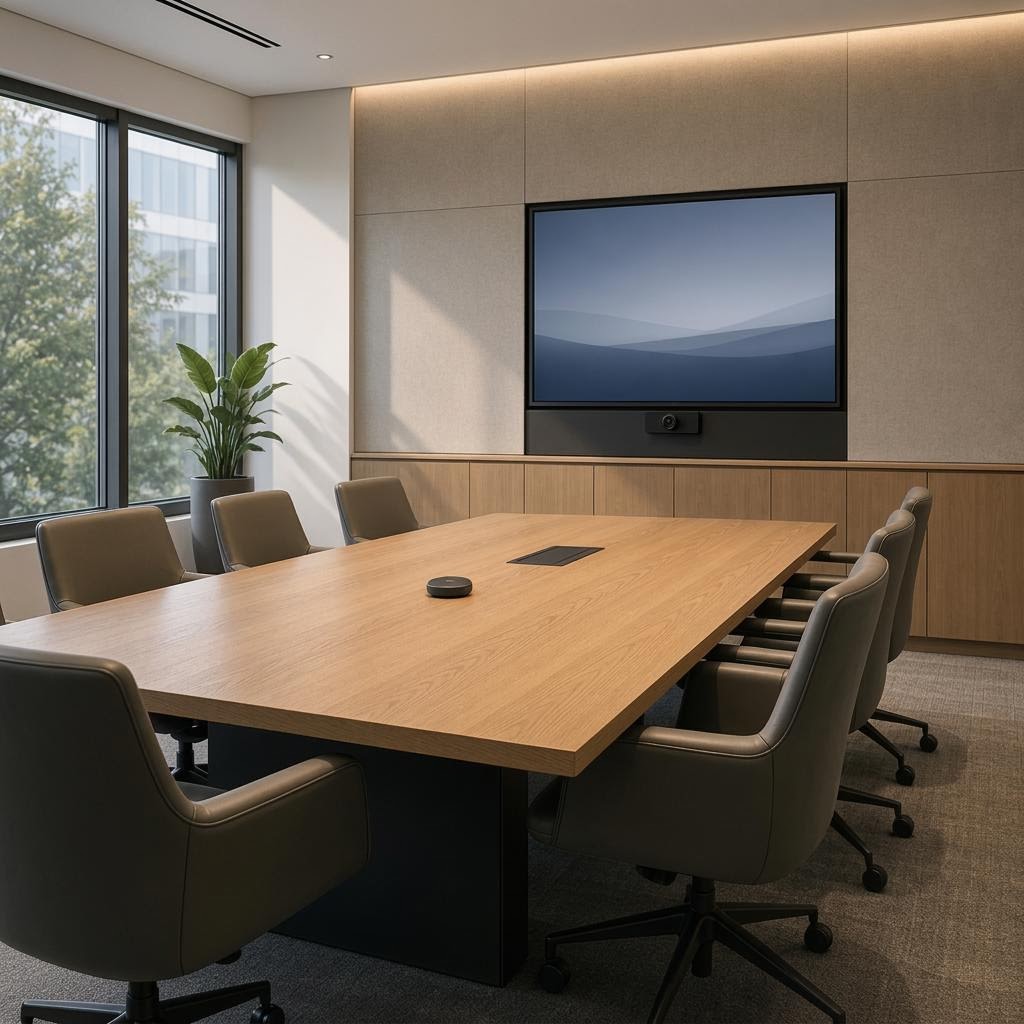
We plan meeting-room technology around clear communication, consistent controls, and the needs of your IT and facilities teams.
Planning conference rooms? Compare room types and learn how we document, test, and support them.
Explore conference roomsStarting a meeting
Start with the people in the room and those joining remotely. These examples describe design goals. What is practical depends on the room and system we assess.
8:58 AM
Displays wake, audio routes, and the room reports healthy before anyone reaches for a cable. The first two minutes of a meeting shouldn't be spent troubleshooting them.
9:00 AM
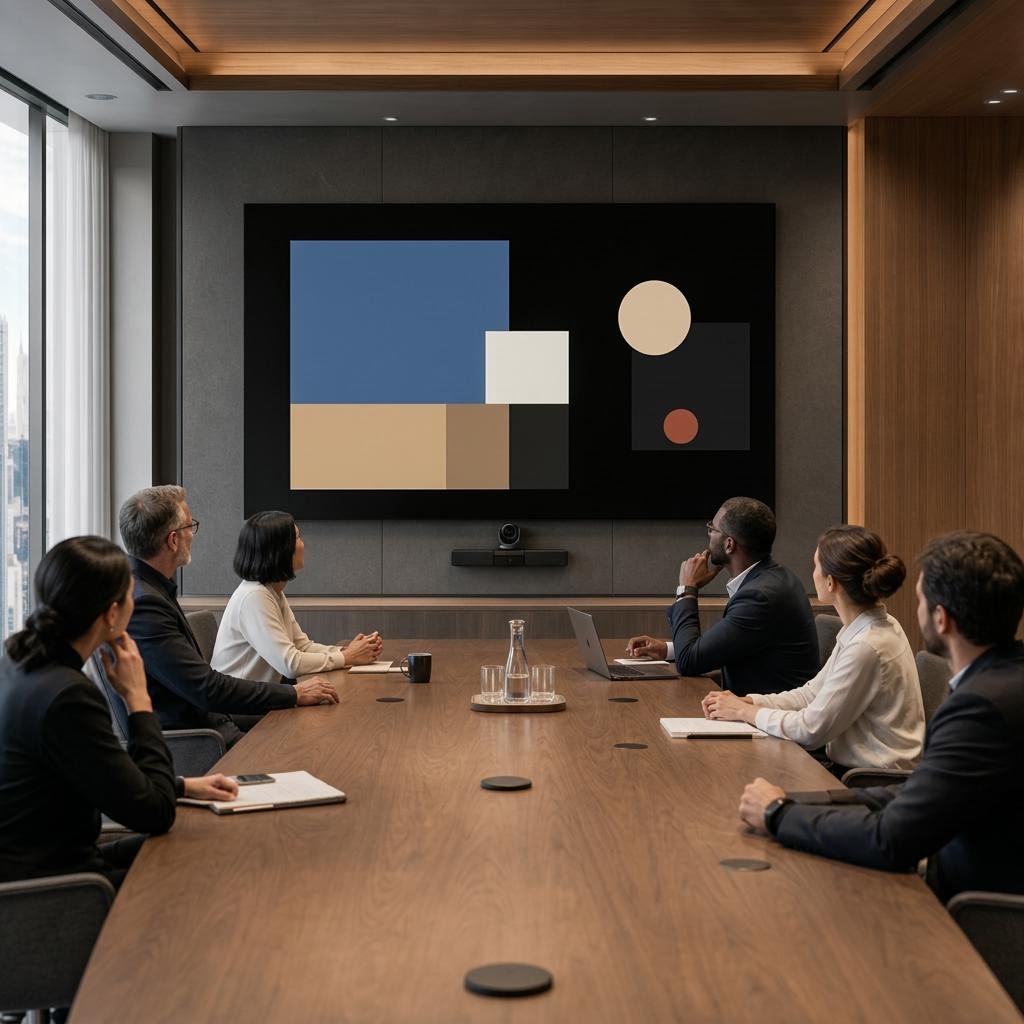
Teams and Zoom integration, bring-your-own-device (BYOD) connections, and one consistent interface help presenters start without relearning the room. Remote participants can hear the discussion from the first word.
9:04 AM
That is the goal of a commercial integration: rooms that stay out of the way. When the system is invisible, the meeting — not the equipment — gets the room's full attention.
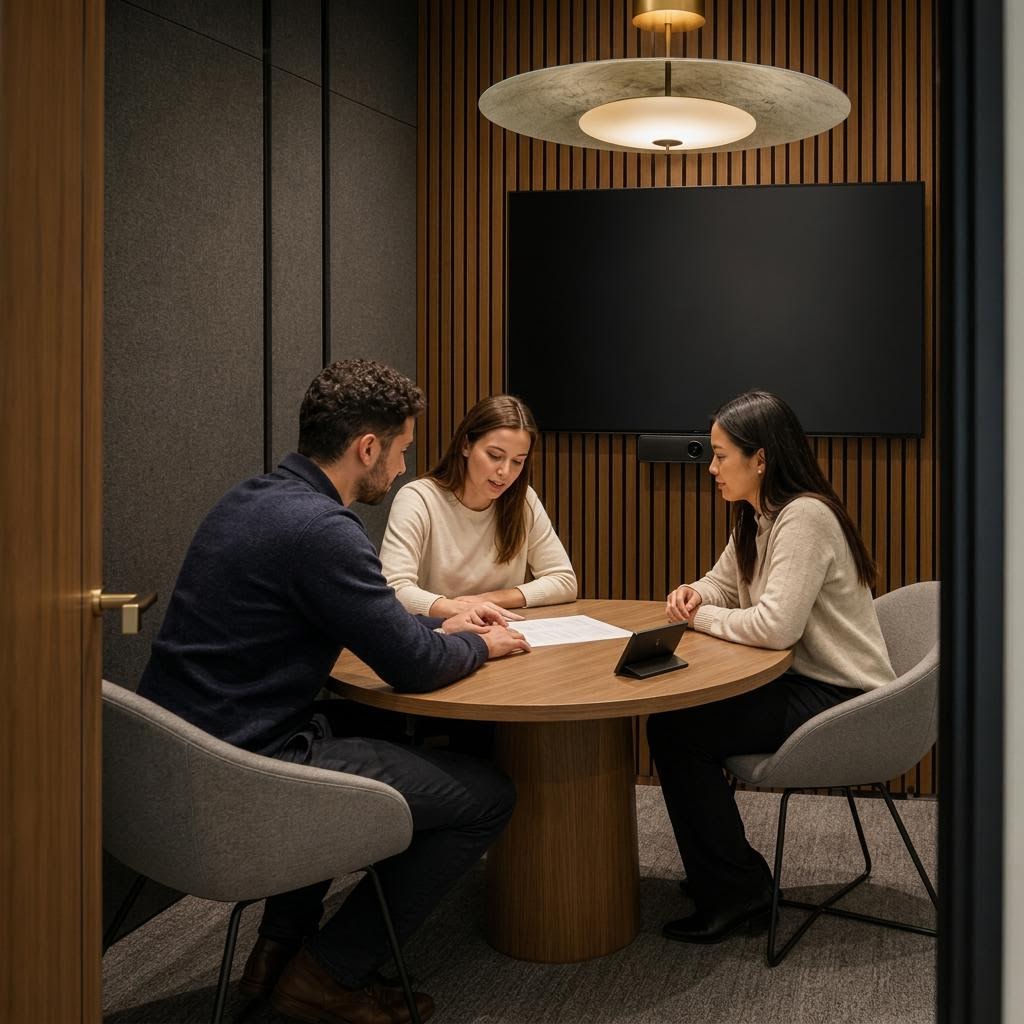
One good room is a project. A campus where they all behave this way takes a standard.
Consistent room controls
Each room has a different purpose. We plan its capabilities around that use while keeping controls consistent, so someone who knows one room can use another.
Select a workplace zone to highlight its planned pathway from the shared IT and AV equipment core and review integration considerations.
Interactive systems overview
Select a zone to trace its planned pathway to the shared equipment core and review the systems that support it.
Selected zone / integration
Uncompromising technical integration for leadership. Dual displays, table microphones, and comprehensive control.
Systems in scope
Gold = selected
Room index
Choose a room to update the plan and detail panel.
Office systems / overview
Planned pathways carry network, communications, and AV/control from the serviceable core to each workplace zone.
Network backbone / unified communications / control + AV
Planned pathways / commissioning / serviceability
Arrival + reception
welcome / access
Executive boardroom
leadership / UC
Conference rooms
BYOD / meetings
Training room
instruction / AV
Huddle spaces
quick collaboration
Open collaboration
flexible / mobile
Organized, labeled, and reachable for commissioning and service.
Planned pathways connect workplace zones to the IT/AV Equipment Core (CORE), with a shared infrastructure rail and a serviceable backbone.
BR-02
Uncompromising technical integration for leadership. Dual displays, table microphones, and comprehensive control.
Its planned pathway connects to the shared IT/AV Equipment Core (CORE).
Systems in scope
CR-01
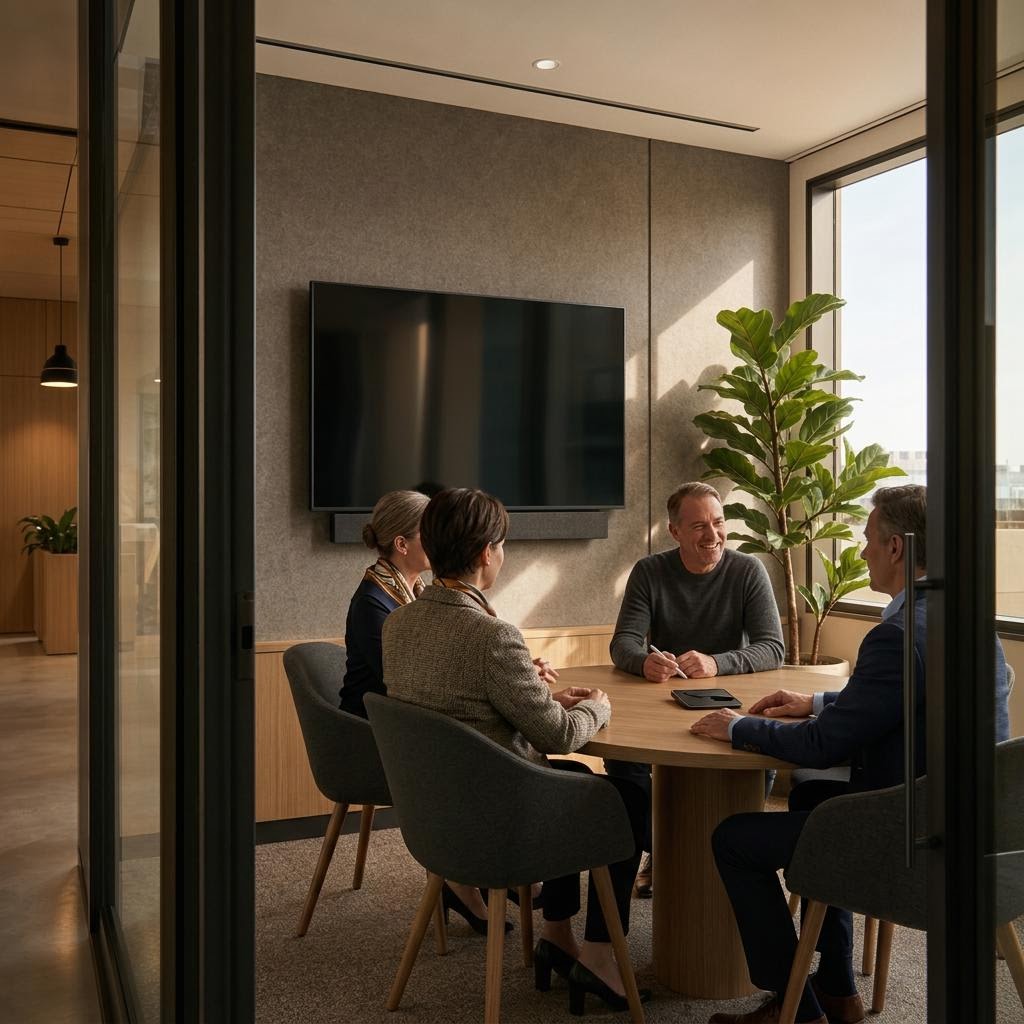
The workhorse standard: consistent interfaces, BYOD, and native Teams and Zoom integration.
Its planned pathway connects to the shared IT/AV Equipment Core (CORE).
Systems in scope
TR-04
Flexible AV routing, presenter tracking, and acoustic management for large-group instruction.
Its planned pathway connects to the shared IT/AV Equipment Core (CORE).
Systems in scope
RC-01
Digital signage, environmental control, and network access setting the initial expectation.
Its planned pathway connects to the shared IT/AV Equipment Core (CORE).
Systems in scope
CORE
Centralized rack equipment, climate-controlled and serviceable, keeping hardware out of the meeting rooms.
This is the shared equipment core; the other workplace zones connect to it through planned pathways.
Systems in scope
HR-03
Agile collaboration rooms designed for rapid deployment across large floorplans.
Its planned pathway connects to the shared IT/AV Equipment Core (CORE).
Systems in scope
OC-05
Mobile displays and flexible technology for casual spaces, maintaining enterprise network security.
Its planned pathway connects to the shared IT/AV Equipment Core (CORE).
Systems in scope
Dual displays, table microphones, and room control for leadership meetings.
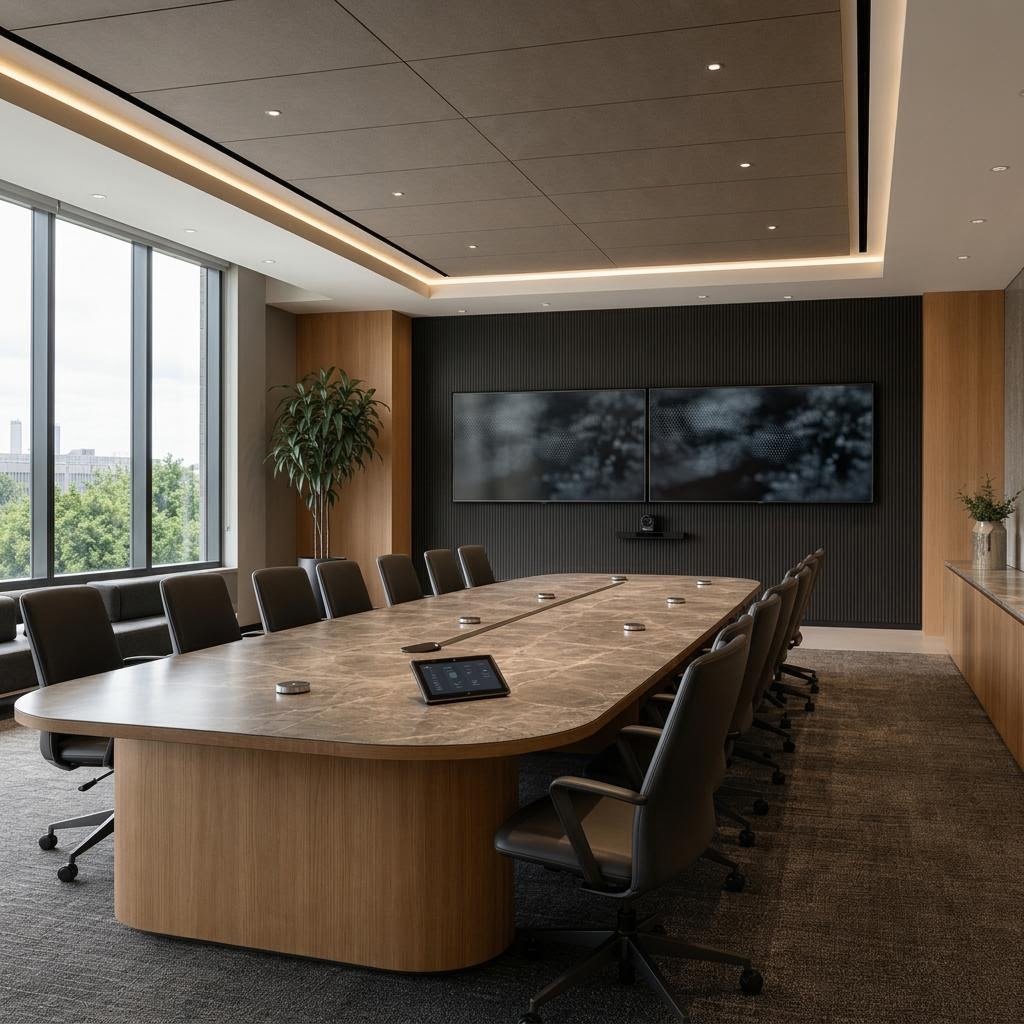
The workhorse standard: consistent interfaces, straightforward BYOD, and native Teams and Zoom integration designed so meetings start on time.
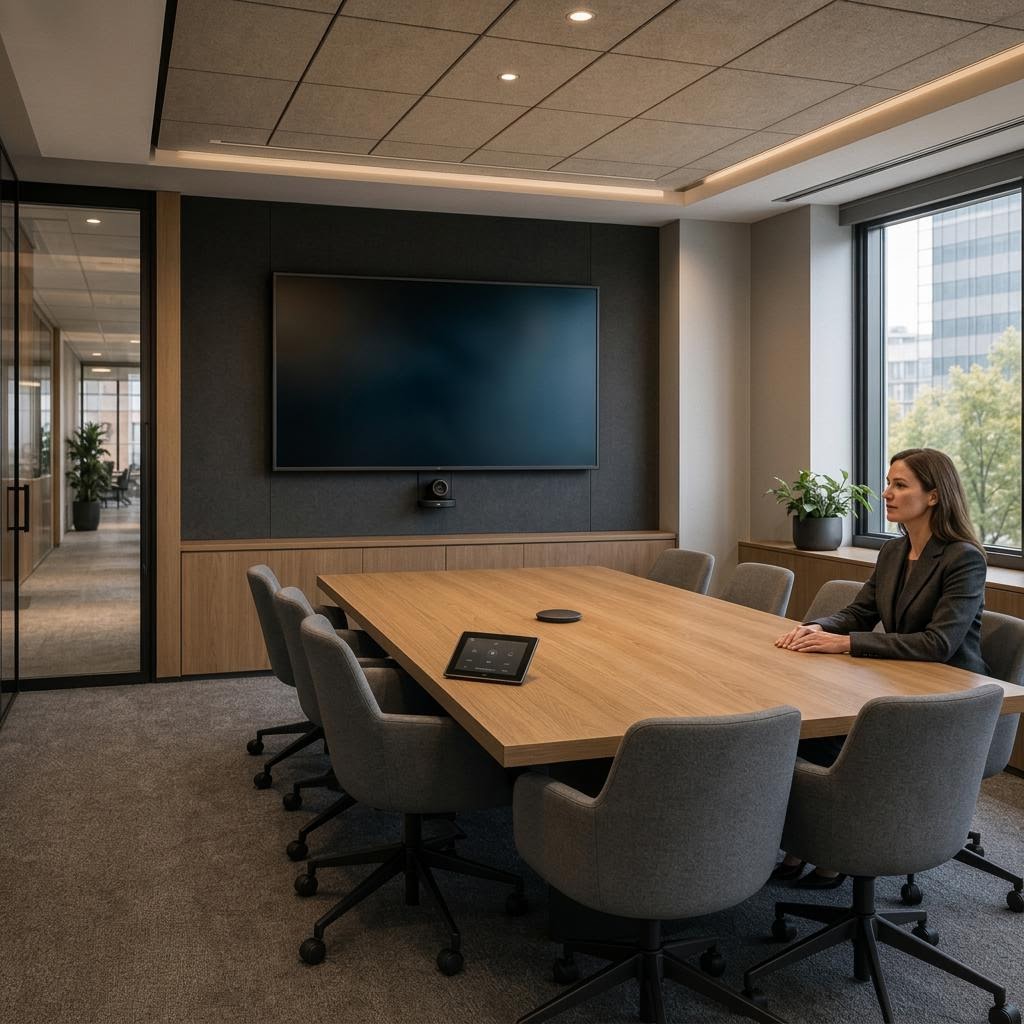
Compact collaboration rooms planned for consistent operation and network security across a larger floorplan.
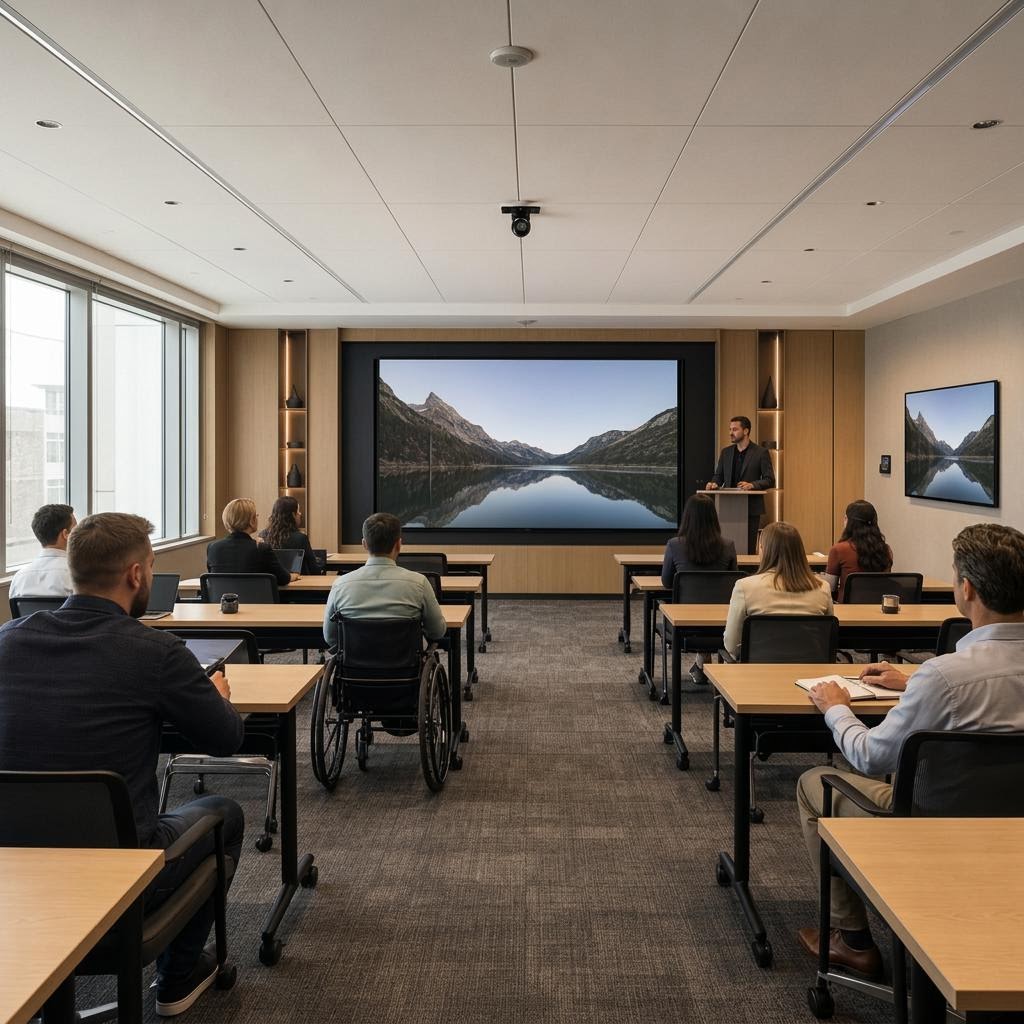
Flexible AV routing, presenter tracking, and acoustic management tailored for large-group instruction — in the room and remote.
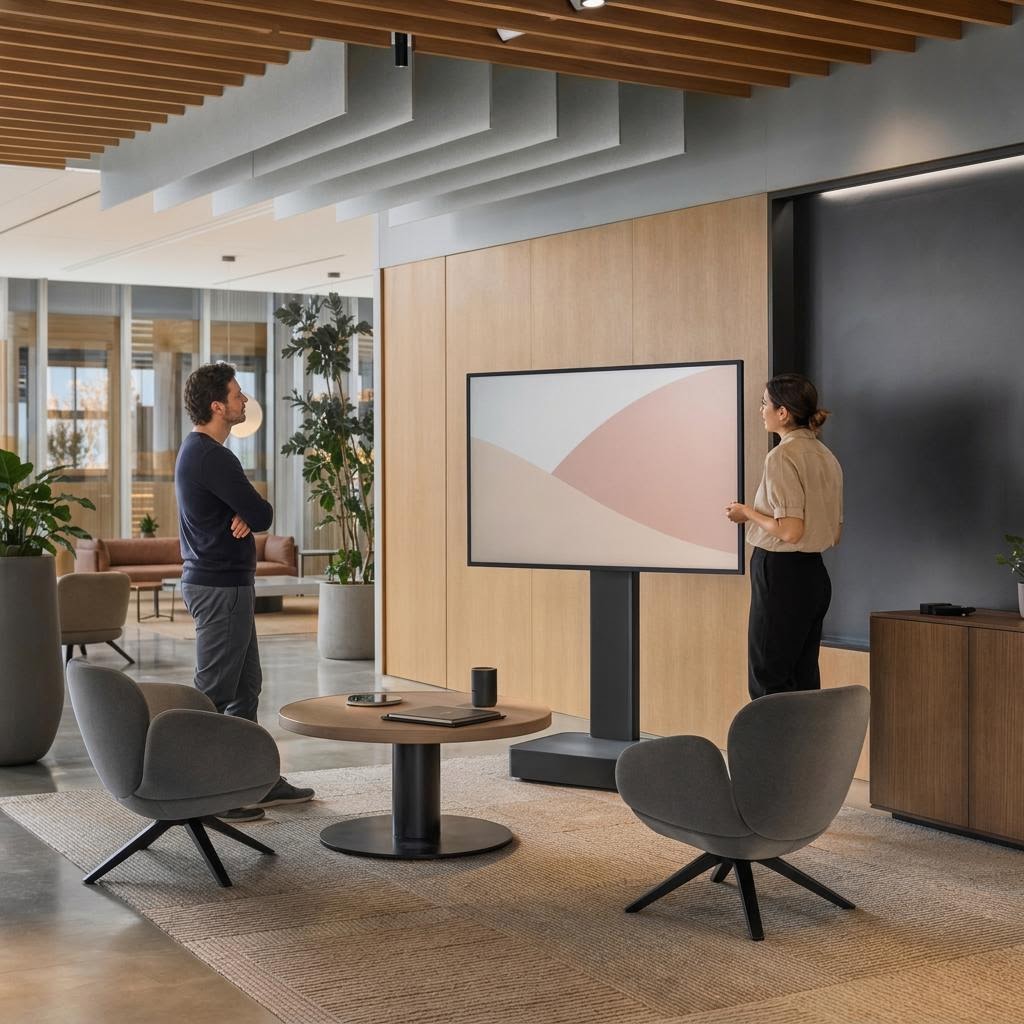
Mobile displays and flexible technology for informal spaces, with network security considered beyond the meeting room.
Education / community
Clear visual communication, accessible controls, and a reliable connection between people in the room and beyond it all matter in education. These representative concept scenes show the kind of inclusive classroom setting this discipline can support.
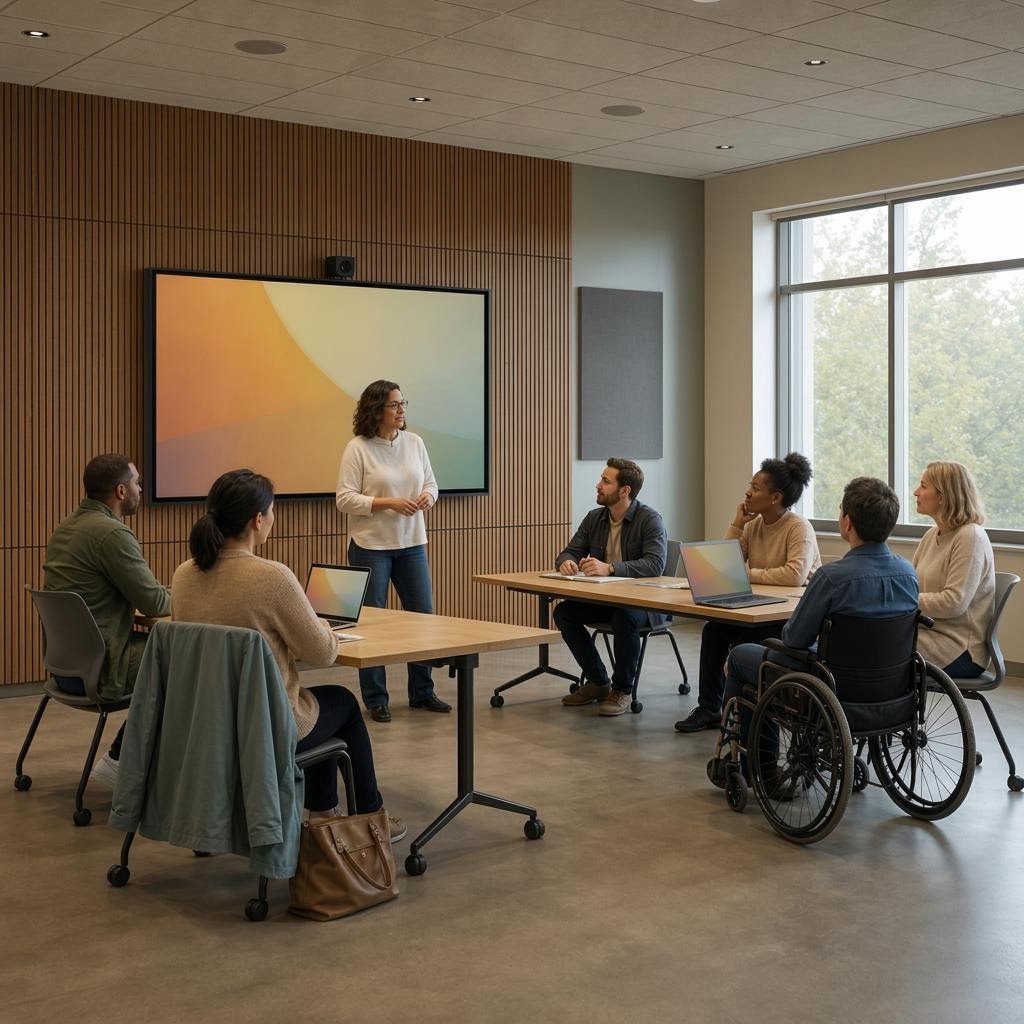
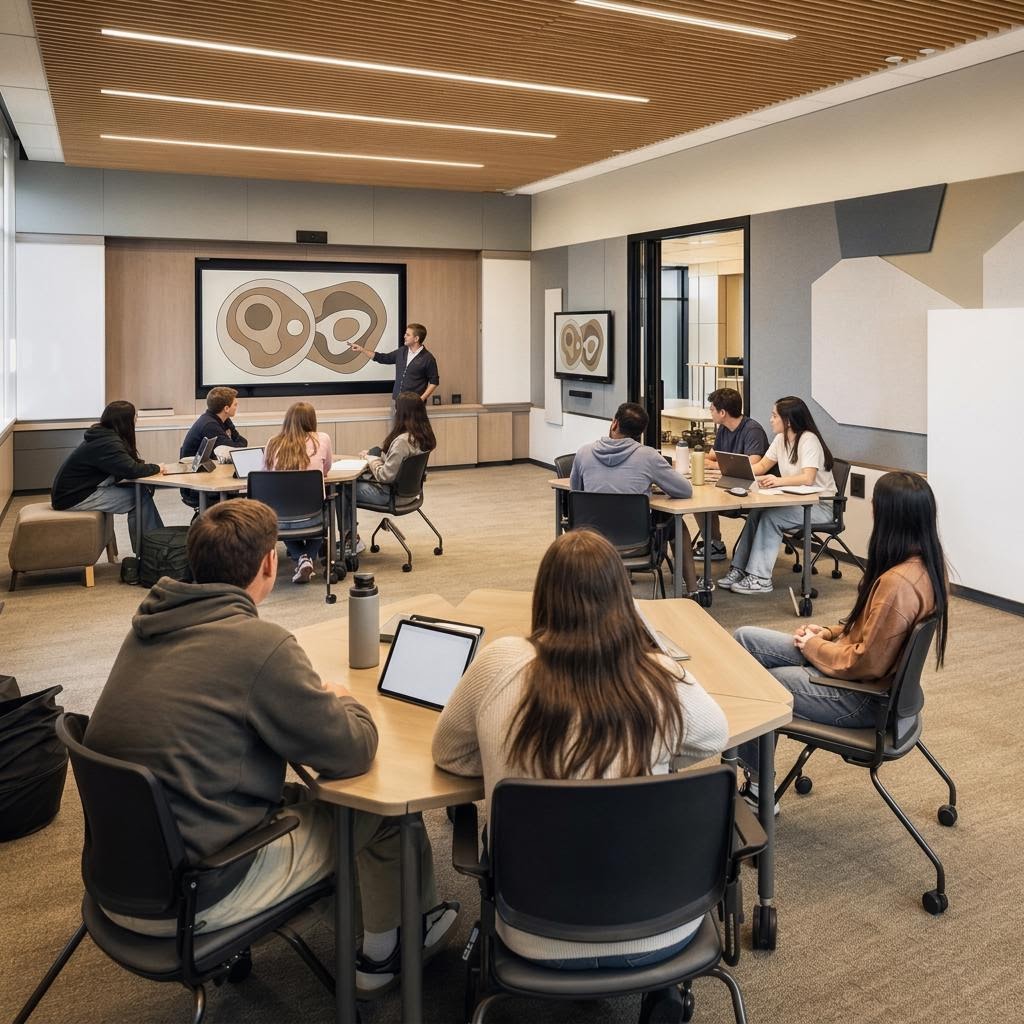
A standard on paper is a promise. What makes it real is what happens before anyone holds a meeting.
Setup and testing
Before a room goes into use, we set up and test the system against the design, then record the results. This process is called commissioning.
Devices and the connections between them checked against the project drawings.
Microphones, speakers, and digital sound processing adjusted for the room's acoustics.
Audio and video traffic tested with your IT team to check network capacity and readiness.
As-built drawings (the record of what was actually installed), labeled endpoints, and configuration records handed over.
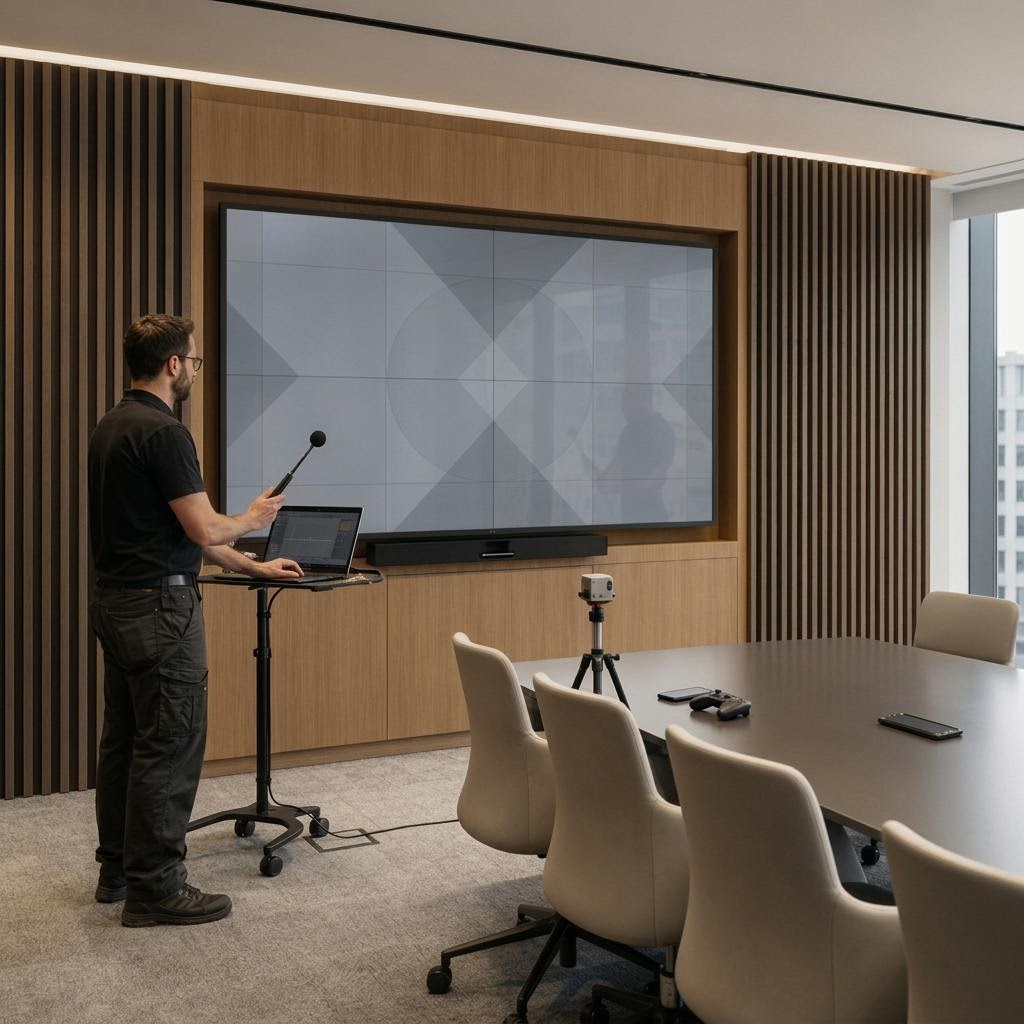
And once the rooms go live, keeping them dependable becomes the daily work.
Ongoing support
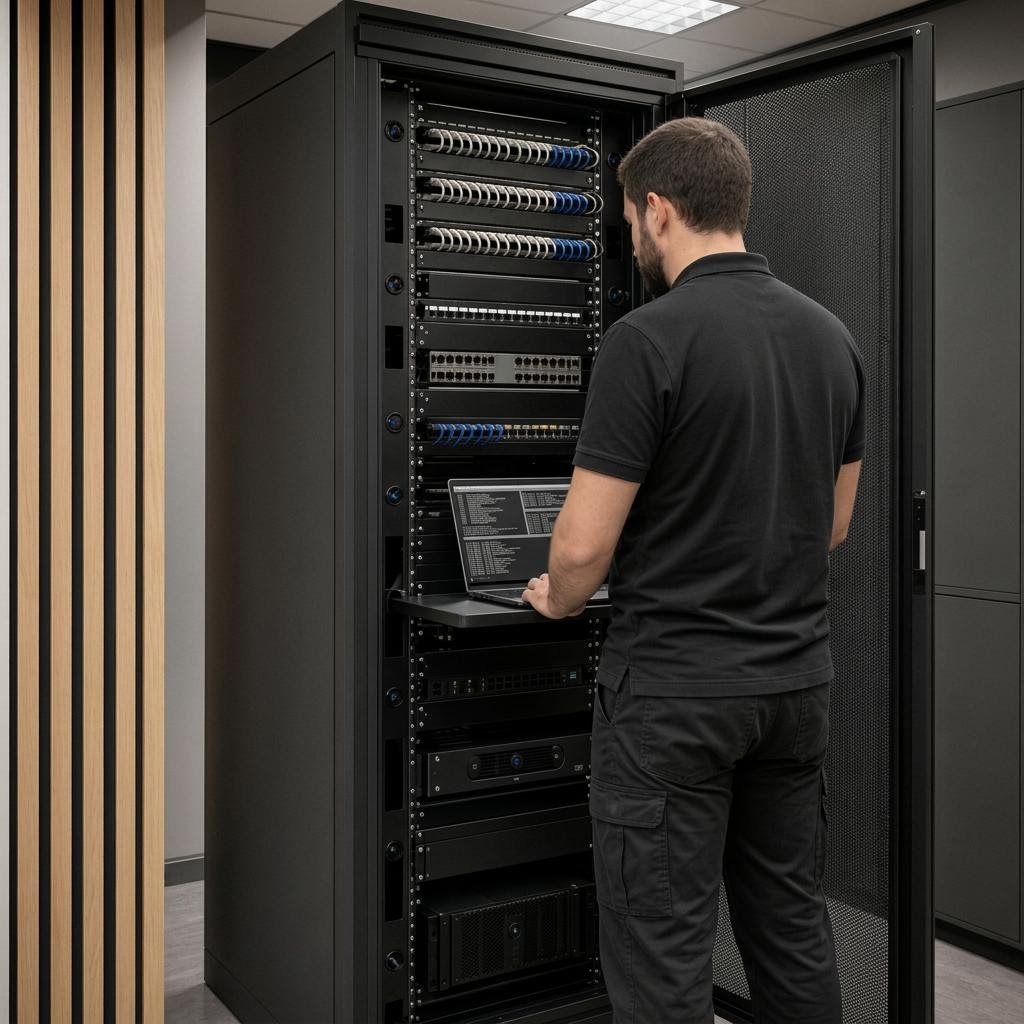
Ongoing support is structured around uptime, so your internal teams can focus on core operations instead of room-by-room troubleshooting. Plan details live on the Service page.
Client history
Organizations Devincio has worked with over the years.














Historical client references; no current engagement or endorsement is implied.
commercial work
Explore residential and commercial environments shaped through planning, engineering, coordination, and care.
 Project work
Commercial / client project
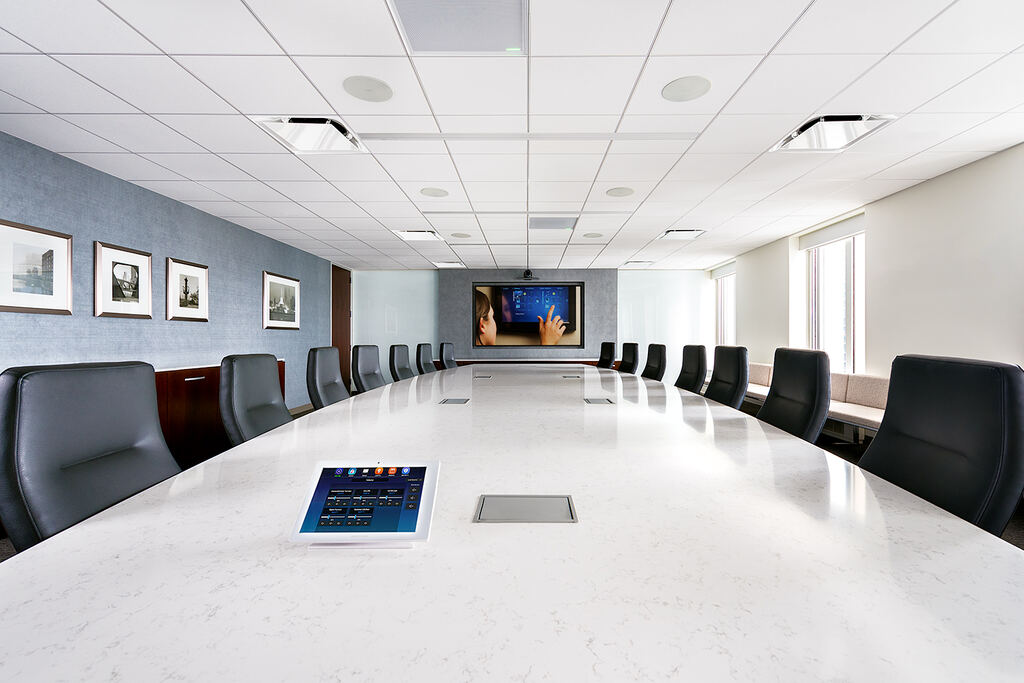
This workplace study is organized around the meeting table as the user interface: a large conference room puts a tabletop control beside the shared surface, while smaller collaboration rooms and the rack reveal how the room experience is supported.
Read the study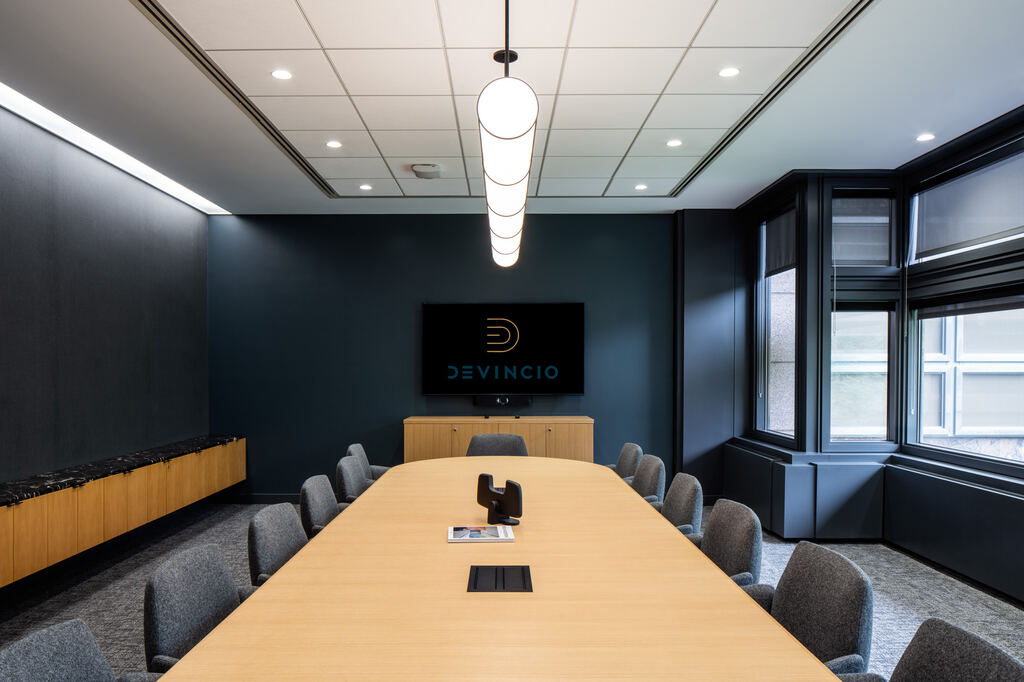 Project work
Commercial / client project
This workplace study explores room-to-room consistency. It moves from a dark, enclosed conference room to an open table, a larger multi-table setting, a round collaboration room, and the control point at the door.
Read the study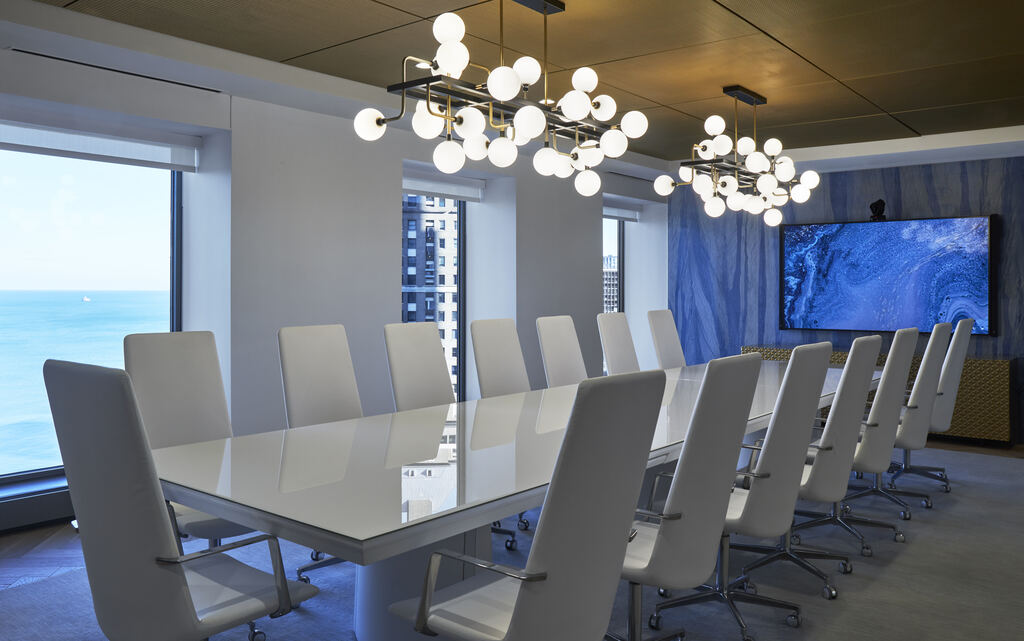 Project work
Commercial / client project
This workplace study places display technology in three different registers: a glass boardroom with a blue architectural wall, an executive room with a saturated accent wall, and a wood-paneled clubroom where the media element recedes into the finish.
Read the studyConsidering a simulator for a workplace, hospitality space, or club? We assess safe circulation, player turnover, operator controls, and the specific equipment and software licensing needed for your intended use.
Explore Golf SimulatorsCommercial standards
These manufacturers support commercial systems across control, infrastructure, audio, video, and room technology. Selections follow the architecture, scope, and requirements of each project.
Room standard / 01
Shared platforms







Commercial systems



The Next Step
Tell us about your campus — one boardroom or forty conference rooms — and we'll talk through what a standard worth trusting would look like.
Start a Conversation