The Smart Home Planning Checklist
Know what to decide during discovery, design, construction, installation, and move-in.
Decide early what affects the building's design. Coordinate work that depends on other trades, then revisit settings that you can only judge after living in the home.
In this guide
Discovery: describe life, not devices
Start with routines, not a shopping list. Talk through mornings, arrivals, evenings, entertaining, media, sleep, work, and safety. Include moments when people want the house to be quiet, who will use each space, and what “easy” means for them.
- Which rooms should feel connected, and which should remain independent?
- What should happen automatically, and what should always require a person?
- Which users need a simple path, a detailed path, or a physical fallback?
- What privacy, resilience, and maintenance boundaries matter to the household?
Design: map the environment
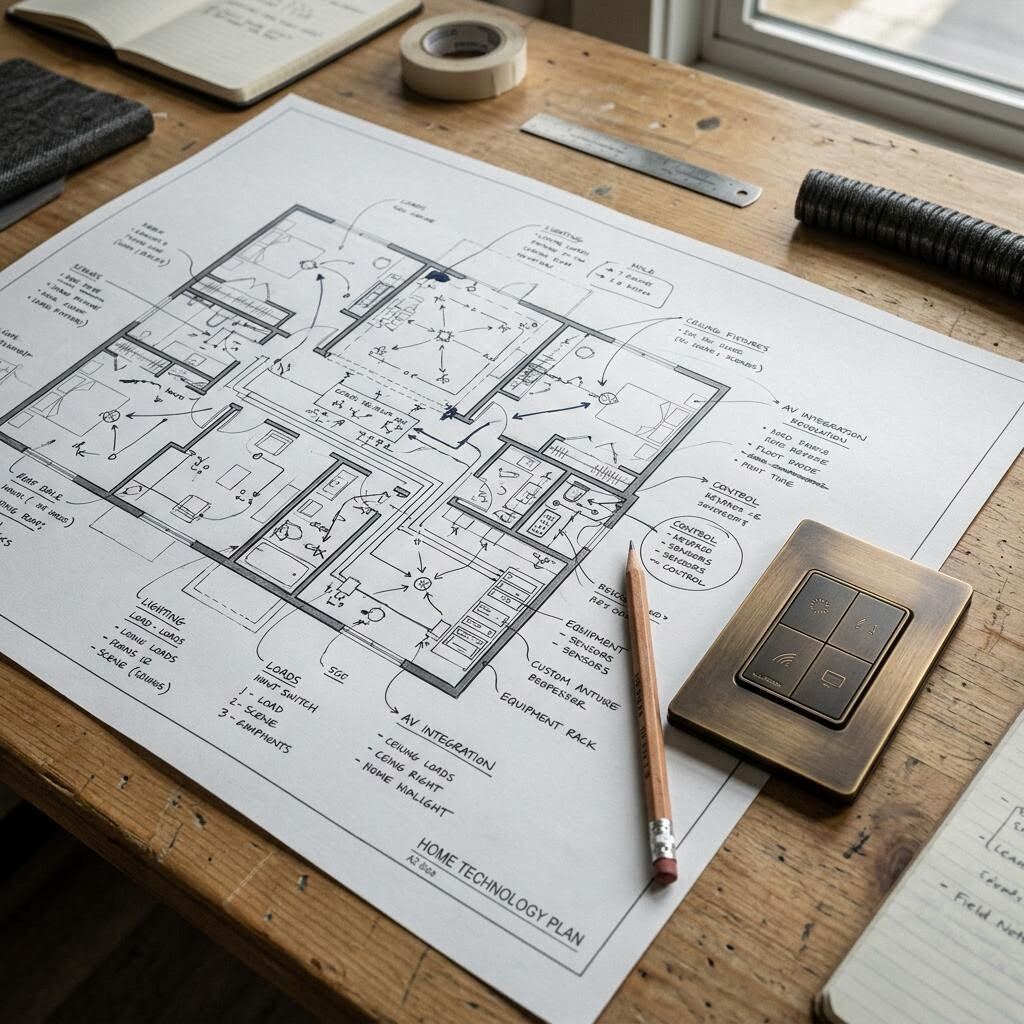
Translate routines into rooms, systems, and relationships. Review lighting, shading, climate, audio/video, networking, security, access, power, and control together. A useful plan says where intent lives even when the final product selection is still open.
Definition / Scene
A coordinated set of changes that supports a moment, such as arriving home or settling in for a film. A scene should be understandable, adjustable, and safe to override.
Construction: coordinate what becomes hidden
Before framing and drywall close, confirm the technology locations that touch other trades. Review ceiling conditions, millwork, blocking, device clearances, equipment access, pathways, network wiring, and the timing of photographs and labels.
Review
Compare the technology plan with architectural, reflected ceiling, electrical, lighting, and millwork drawings.
Coordinate
Resolve conflicts with the trade that owns the adjacent condition and record the decision.
Record
Label, photograph, and store the rough-in information before finishes hide it.
Recheck
Walk the site again at trim-out — when the finished keypads, speakers, and plates are fitted — so visible details match the agreed design intent.
Installation: test the whole experience
Installation is more than mounting and connecting. Check sightlines, listening positions, light levels, shade travel, control labels, network behavior, source handoffs, and the physical fit of every visible element. Test the routines people actually described during discovery.
When a result is not right, identify whether the cause is placement, configuration, infrastructure, a trade condition, or an expectation that needs to be reset. Naming the cause is more helpful than adding complexity by default.
Working exercise
A useful commissioning pass (the structured test before handoff)
Move-in: leave a usable record
A handoff should help a household live with the system, not just prove that it was installed. Provide an orientation for everyday tasks, a concise record of locations and responsibilities, and a clear path for support or future changes.
Some needs only appear after living in a home. Note which decisions should be revisited after move-in: scene timing, control labels, device placement, guest access, schedules, and any routine that feels like work instead of help.
A field guide for the next conversation
Use this aid to make the important questions concrete and guide the next project conversation.
Printable decision aid
Decide now / coordinate later / revisit after handoff
Use the columns as a sequence, not a rigid contract. Project scope and trade responsibilities should be confirmed with the team.
Have a project question?
Bring the project stage, routines, rooms, and open coordination decisions into an initial conversation.