Whole-Home Wi-Fi Done Right
Plan a home network around coverage, the number of devices, wiring, and testing—not just the speed advertised by your internet provider.
An internet plan describes the connection to the home. A network design describes how that connection reaches people and devices throughout the home.
In this guide
Internet is not Wi-Fi
Your internet plan is the service entering the home. Wi-Fi is the local radio network devices use to connect to the home network. The two interact, but one cannot compensate for every weakness in the other. A faster plan does not automatically fix a poor access-point location, a crowded radio environment, or a weak internal link.
Definition / Wired backhaul
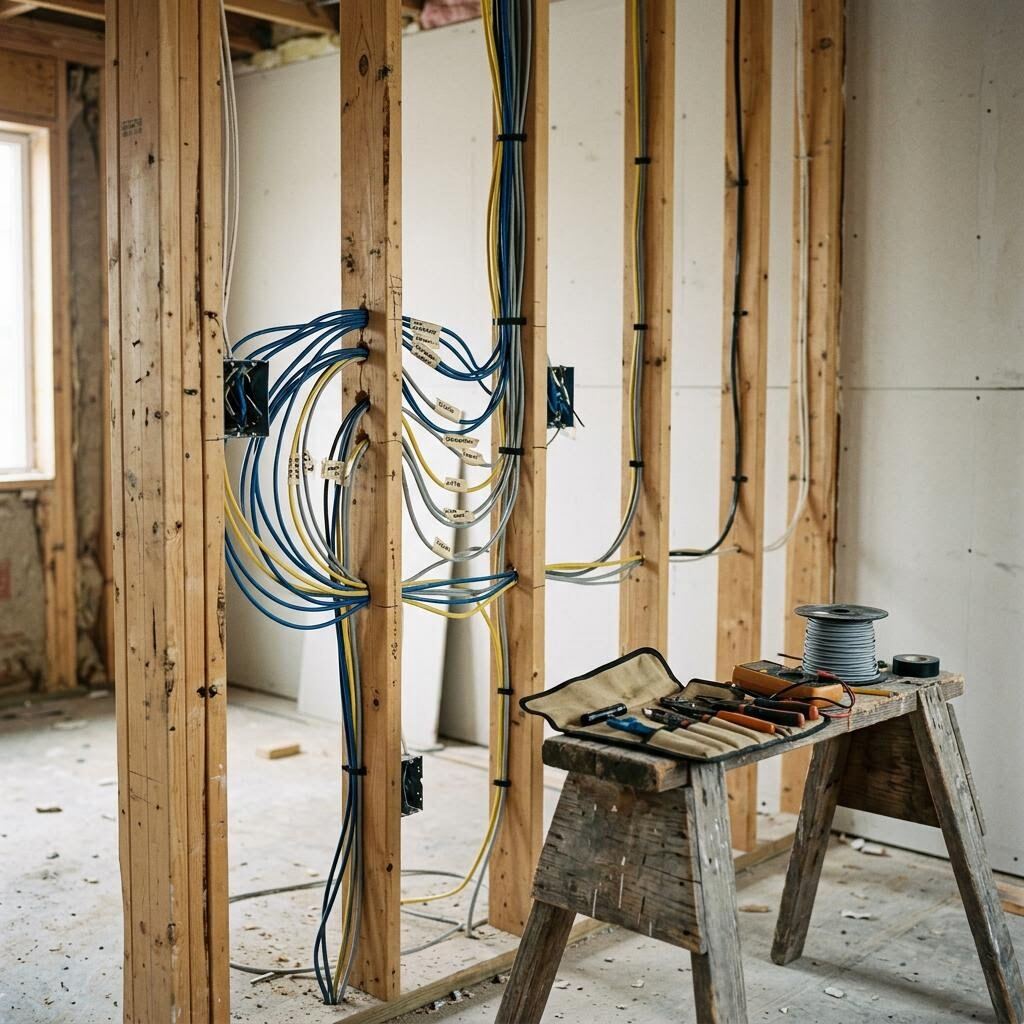
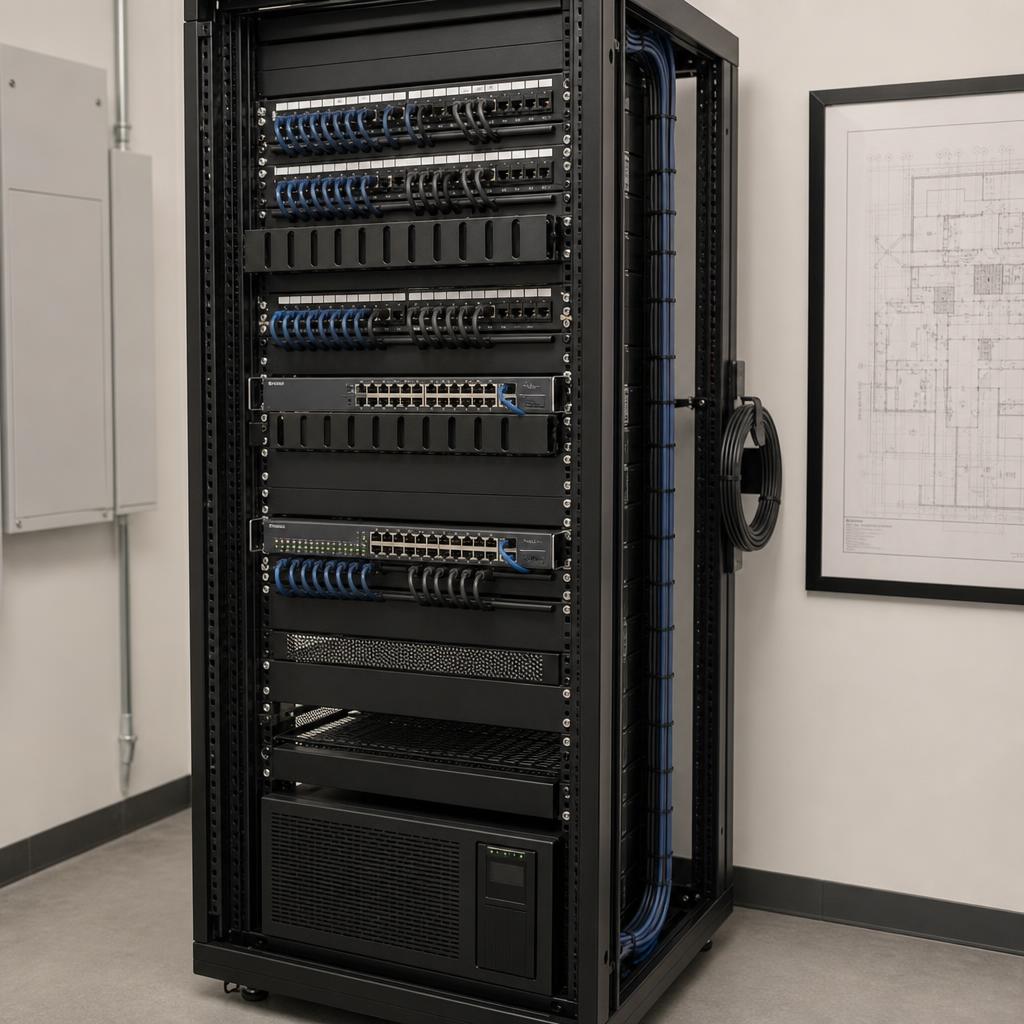
A physical network connection from an access point to the network equipment. It gives the access point a stable path instead of asking wireless to carry both the device traffic and the access point's connection back to the network.
Design for the building
Walls, floors, cabinetry, stone, metal, glass, insulation, and mechanical spaces all change how radio signals behave. An access point hidden in a closet may be convenient to install but poorly placed for the areas that matter. A larger home may need several intentionally located access points rather than one device turned up louder.
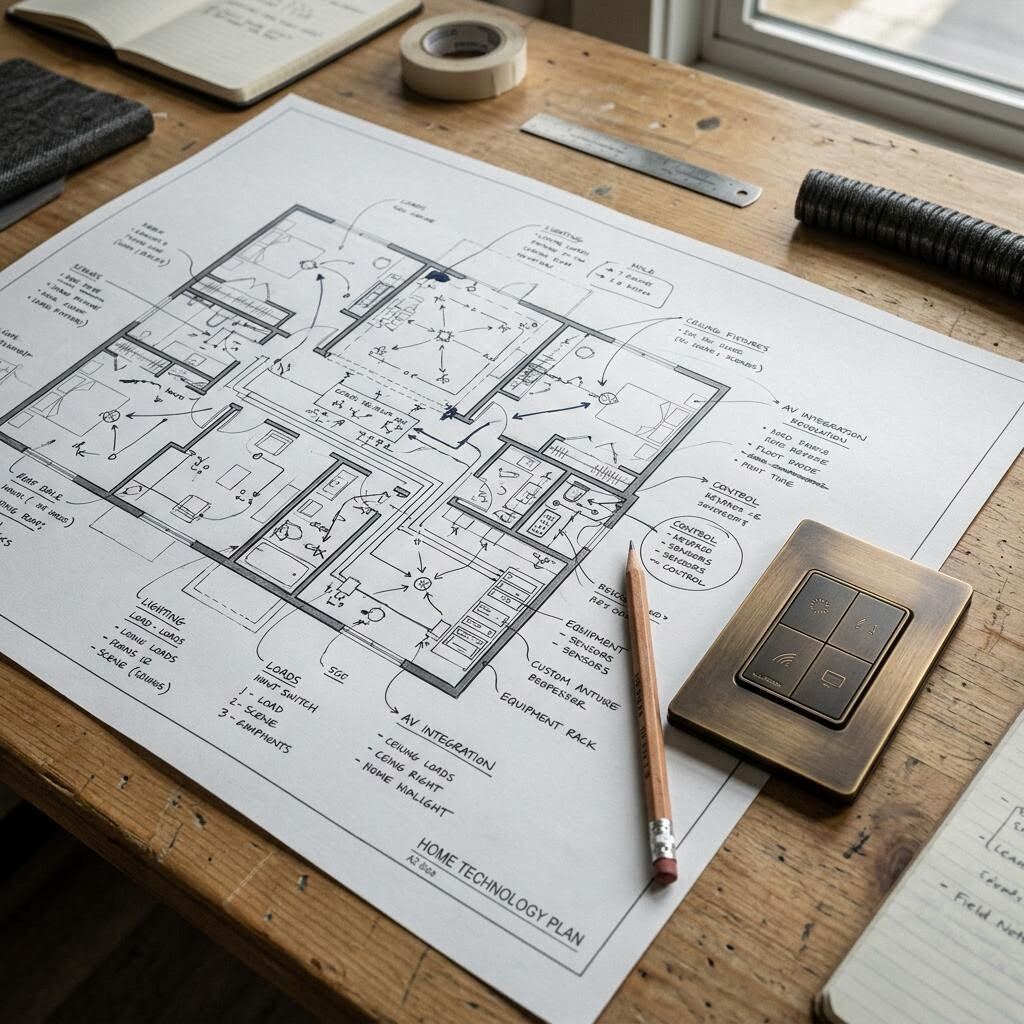
Placement should follow the floor plan and the way rooms are occupied. Review sleeping areas, workspaces, outdoor zones, media rooms, utility areas, and places where many devices gather. Include future construction or a home that may grow into an addition.
- Mark the spaces that need consistent service, not just the spaces with a network jack.
- Account for dense or difficult materials and changes between floors.
- Prefer locations that allow wiring, service access, and sensible visual coordination.
- Treat outdoor coverage and detached structures as separate design questions.
Balance coverage and capacity
Coverage asks where a device can connect. Capacity asks how many devices and how much activity the network can handle in the same place and moment. A home office, media room, kitchen, and gathering space may each create different demand even when a signal appears strong.
Think beyond phones and laptops. Cameras, televisions, speakers, appliances, lighting, shades, sensors, and guest devices all use the network. Some need a steady connection; others use it in bursts or for longer stretches. Plan for how devices are used together, not just how many there are.
Inventory
List important devices, rooms, likely simultaneous use, and any wired endpoints.
Prioritize
Separate devices that need continuity from devices that can tolerate a delay or interruption.
Place
Coordinate access points and wired connections with the floor plan and construction.
Validate
Test the locations and uses that matter instead of relying on a signal icon alone.
Separate what needs separating
Network separation means creating distinct logical areas for different kinds of traffic. The names and boundaries should match the project's needs, not a template. Guest access, household devices, work equipment, cameras, and building systems may have different privacy and support expectations.
The useful question is not whether more networks sound more secure. It is whether the arrangement is understandable, maintained, and tested. Complexity without an owner can make troubleshooting harder.
- Who can see or reach each class of device?
- Which devices need local access even if an internet service is unavailable?
- Where are credentials and configuration records kept?
- What changes when the home adds devices, a new floor, or an outdoor area?
Validate, document, and evolve
A network is not finished when its equipment powers on. Test the places people use, at typical times, with the devices and applications that matter. Record what was tested, the assumptions behind it, and any areas that need a future decision.
Ask how changes will be supported. A useful handoff identifies equipment locations, network names or segments, credentials ownership, labeling, basic recovery steps, and the boundary between local equipment and outside services.
Working exercise
Questions for a network conversation
Design
Which rooms, devices, materials, and future areas informed placement?
Wiring
Where is wired backhaul used, and how are routes and endpoints documented?
Testing
What locations and real-world uses will be checked, and how are limitations recorded?
Ownership
Who holds configuration records and credentials, and how can another provider support the system?
A field guide for the next conversation
Use this aid to make the important questions concrete and guide the next project conversation.
Printable decision aid
Network design questions
Use these questions to compare a thoughtful design with a promise built only around speed.
Have a project question?
Place network coverage, wiring, equipment access, and validation within the wider plan for the home.